
QuickBooks and Xero are the two dominant cloud accounting platforms for solo entrepreneurs and small businesses in 2026. For Filipino freelance developers, consultants, and small business owners already registered with BIR, one of these tools makes quarterly and annual tax filing significantly less painful than manual spreadsheets. Which one wins depends on your USD-vs-PHP income mix, your bookkeeping familiarity, and whether you value QuickBooks’ brand recognition or Xero’s cleaner UI.
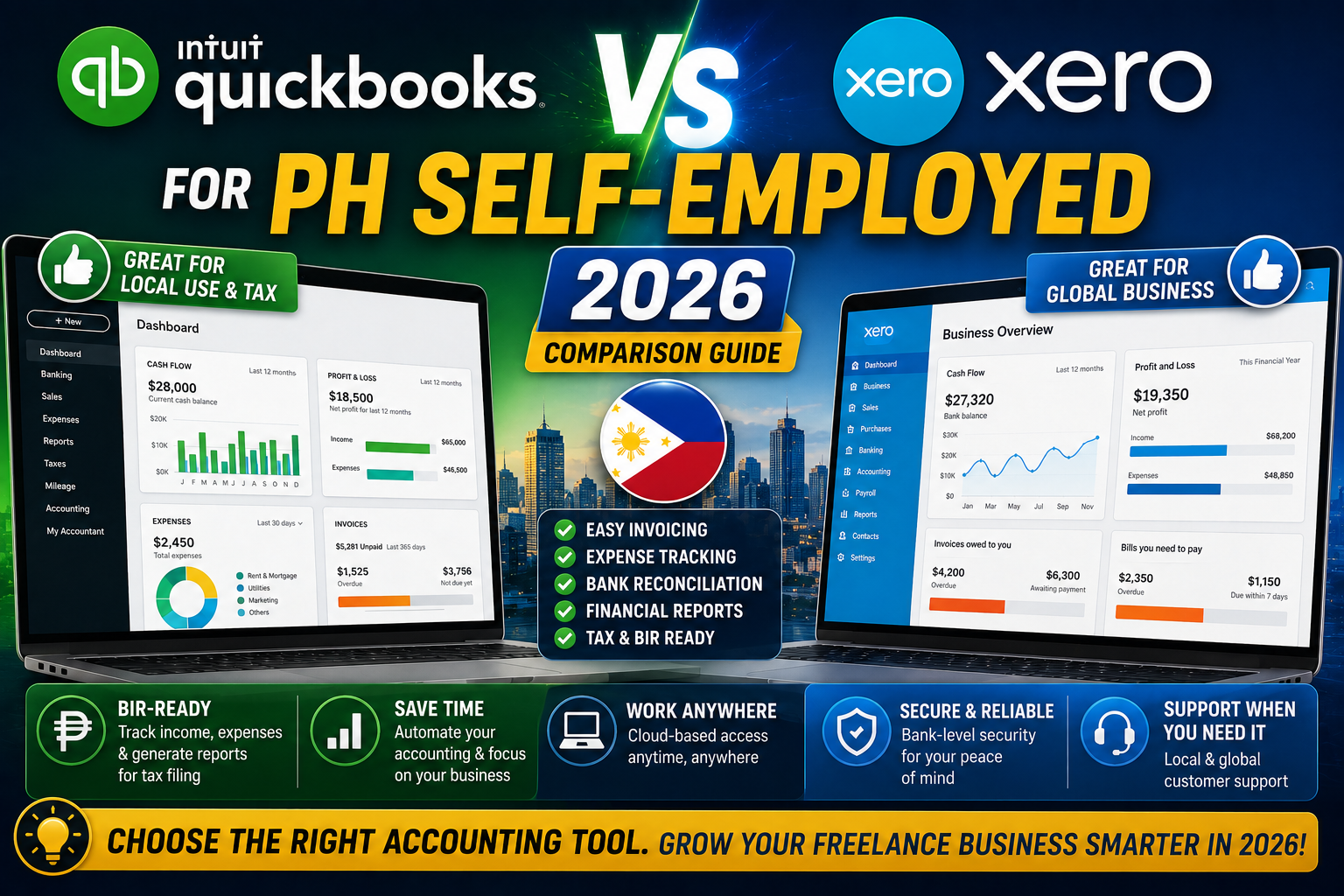
This comparison covers both platforms specifically for Filipino self-employed users in 2026. Real pricing, PH-specific compatibility notes, and honest verdict on which fits your setup.
Quick verdict
- Pick QuickBooks Online if: Your PH accountant already uses it (many do), you invoice in USD frequently, or you value the largest accountant ecosystem in the world.
- Pick Xero if: You value cleaner UI, unlimited users at every tier, or you want bank feeds from Philippine banks (Xero supports more PH banks than QuickBooks does).
- Skip both: If you are a solo freelance dev earning under PHP 1M/year, a simple Google Sheets or a free tool like Wave might be enough. Do not overspend.
Pricing head-to-head for Filipino self-employed
QuickBooks Online (2026):
- Simple Start: USD 30/month, 1 user + 2 accountants, basic invoicing and expense tracking.
- Essentials: USD 60/month, 3 users, adds bill management and time tracking.
- Plus: USD 90/month, 5 users, adds inventory and project profitability.
Xero (2026):
- Early: USD 15/month, unlimited users, limited to 20 invoices + 5 bills + reconcile 20 transactions.
- Growing: USD 42/month, unlimited users, unlimited invoices and bills, unlimited reconciliation.
- Established: USD 78/month, adds multi-currency, project management, expense claims.
For a solo freelance dev with regular monthly invoicing:
- QuickBooks Simple Start: USD 30/month = roughly PHP 1,700/month
- Xero Growing: USD 42/month = roughly PHP 2,400/month
QuickBooks Simple Start is cheaper for solo use but limits to 1 user (plus accountant). Xero Growing costs more but includes unlimited users on the plan, which matters if you have an assistant or bookkeeper who needs access.
Philippine bank feed compatibility (the deciding factor for many)
Bank feeds automatically import your bank transactions into the accounting software so you do not manually type each entry. This is the single feature that saves the most time.
QuickBooks Online PH bank support (2026):
- BPI: Direct feed via QuickBooks. Reliable.
- BDO: Manual CSV upload only. No direct feed.
- UnionBank: Direct feed. Reliable.
- Metrobank: Manual CSV upload only.
- Landbank: No support.
- US bank accounts (for Payoneer USD balance): Direct feed via most major US banks.
Xero PH bank support (2026):
- BPI: Direct feed via Xero.
- BDO: Direct feed via Xero (BDO added Xero support in 2024).
- UnionBank: Direct feed.
- Metrobank: Direct feed (Metrobank added Xero support in 2025).
- Security Bank: Direct feed.
- RCBC: Manual CSV upload.
- US bank accounts: Direct feed via major US banks.
Xero wins on PH bank feed coverage in 2026. If you bank with BDO, Metrobank, or Security Bank specifically, Xero saves you real time versus QuickBooks.
BIR compatibility and PH accountant familiarity
QuickBooks: Widely used by PH accountants. Most CPAs in Metro Manila know QuickBooks natively. If you hire a Philippine accountant for annual ITR filing, they will likely prefer QuickBooks as it fits their existing workflow.
Xero: Growing rapidly among younger PH accountants and Xero-specialist bookkeepers. Xero Certified Advisors in the Philippines (searchable on Xero’s directory) are increasing yearly. But older accountants may not be as fluent.
Neither tool generates BIR forms (Form 1701Q, Form 1701, Form 2551Q) directly. Both provide the underlying financial data (income, expenses, cash flow) that your accountant uses to fill BIR forms. If you file BIR forms yourself via eBIRForms, both work fine.
Multi-currency handling (for USD invoice income)
If you invoice US clients in USD and convert to PHP later (typical for Filipino freelance devs), multi-currency handling matters.
QuickBooks: Multi-currency requires Essentials tier or higher (USD 60/month). Simple Start does NOT support multi-currency, which forces you to record USD invoices as PHP-equivalent manually.
Xero: Multi-currency requires Established tier (USD 78/month). Growing tier does NOT support multi-currency.
For solo Filipino freelance devs with regular USD income, both tools push you to their mid-to-high tiers. If you want the cheapest possible multi-currency setup: QuickBooks Essentials at USD 60 is cheaper than Xero Established at USD 78.
Invoicing features head-to-head
QuickBooks invoicing: Customizable templates, recurring invoices, automated payment reminders, online payment via PayPal or Stripe (US), QuickBooks Payments (US clients only).
Xero invoicing: Customizable templates, recurring invoices, automated payment reminders, online payment via Stripe, GoCardless, or 30+ regional providers.
Both platforms handle invoicing well. Xero has more integrated payment provider options for non-US clients. QuickBooks has smoother US-client experience because QuickBooks Payments (their embedded processor) is US-native.
Expense tracking and receipt scanning
QuickBooks: QuickBooks mobile app scans receipts, extracts data via OCR (Optical Character Recognition), attaches to transactions. Works reliably for English receipts. Filipino-language receipts (Cebuano, Tagalog) parse less reliably.
Xero: Xero mobile app has similar receipt scanning via Hubdoc (owned by Xero, included in Growing tier and up). Hubdoc handles multi-language receipts slightly better than QuickBooks OCR in testing.
Both handle expense tracking well. Xero + Hubdoc has a slight edge on receipt scanning quality for Filipino-language documents.
Learning curve and daily UX
QuickBooks: Feels traditional. Menu-heavy, more accounting-specific terminology visible. Familiar to CPAs. Steeper learning curve for non-accountants.
Xero: Feels modern. Cleaner UI, more visual, hides some accounting jargon behind plain-English labels. Easier learning curve for freelancers who never took accounting classes.
For a solo freelance dev with no formal accounting background, Xero is meaningfully easier to onboard. For someone who already understands debits and credits, QuickBooks is more powerful.
Real cost of ownership for a solo Filipino freelance dev
| Scenario | QuickBooks | Xero |
|---|---|---|
| PHP-only income, under 20 invoices/month | Simple Start USD 30 | Early USD 15 |
| PHP + USD income, over 20 invoices/month | Essentials USD 60 | Established USD 78 |
| Growing team with bookkeeper access | Essentials USD 60 | Growing USD 42 |
The realistic Filipino solo freelance dev setup in 2026
Most solo Filipino freelance devs we work with end up in one of two setups:
Setup A (QuickBooks-first, ~60% of PH freelance devs):
- QuickBooks Simple Start (USD 30/month, roughly PHP 1,700/month)
- PH accountant does quarterly and annual BIR filings using QuickBooks data (PHP 2,000-4,000/quarter)
- Total annual accounting cost: roughly PHP 30,000-40,000
Setup B (Xero-first, ~40% of PH freelance devs, growing):
- Xero Growing (USD 42/month, roughly PHP 2,400/month)
- Xero-certified PH bookkeeper does monthly reconciliation and quarterly BIR filings (PHP 3,000-5,000/month)
- Total annual accounting cost: roughly PHP 60,000-90,000
Setup B costs more but offloads more work. Setup A is more DIY with a per-quarter accountant.
Free alternatives worth considering
Before spending USD 30-78/month on either paid tool, consider:
- Wave (free): Truly free accounting for small businesses. Handles invoicing, expenses, and basic reporting. Weak PH bank feed support but adequate for USD income tracking.
- Google Sheets template: A well-designed Google Sheet with income + expense tabs is enough for a solo dev earning under PHP 1M/year with minimal complexity. Free.
- Zoho Books (USD 15-40/month): Cheaper than QuickBooks or Xero, integrates with Zoho ecosystem. Fewer PH bank feeds. Consider if you use other Zoho tools.
If your accounting needs are simple (few invoices, few expenses, PHP-only income), Wave or Google Sheets might be enough. Do not spend USD 30+/month if you do not need the automation.
Bottom line
For most Filipino solo freelance devs in 2026, Xero Growing at USD 42/month is the correct pick if you value cleaner UI, unlimited users, and better PH bank feed coverage. Especially strong if you bank with BDO, Metrobank, or Security Bank (Xero has direct feeds where QuickBooks does not).
For those who want lowest cost and whose PH accountant already uses QuickBooks, QuickBooks Simple Start at USD 30/month is the right pick. Especially strong if your accountant will handle most of the bookkeeping and you just need a place to store financial records.
For those earning under PHP 1M/year with simple needs, consider Wave (free) or a well-organized Google Sheet before spending on either paid tool. Do not overspend on accounting software for a business that does not yet justify it.
Official documentation
Try QuickBooks or Xero (affiliate)
Some links below are affiliate links. We may earn a commission at no extra cost to you. See our affiliate disclosure.
- QuickBooks Online, our top pick if your accountant uses it
- Xero, our top pick for cleaner UI and best PH bank coverage
- Wave, free alternative for simple needs
Frequently asked questions
Which is more popular among PH accountants?
QuickBooks is more widely used among established PH accountants (5+ years experience). Xero is growing rapidly among younger accountants and Xero-certified bookkeepers. If you plan to hire a PH accountant to help with BIR filings, ask what they use before choosing. Half our accountant network still prefers QuickBooks, half is Xero-friendly.
Do these tools generate BIR forms directly?
Neither. QuickBooks and Xero both provide the underlying financial data (income, expenses, tax summary) that you or your accountant use to fill BIR forms via eBIRForms. There is no BIR-specific integration in either tool as of 2026. Your accountant uses their expertise to translate your books into BIR-compliant returns.
Can I switch from one to the other later?
Yes, but migration is painful. Both tools support CSV export of historical data. Migration typically takes 1-3 weeks and involves reimporting historical transactions, rebuilding chart of accounts, and reconnecting bank feeds. Best practice: pick one and commit for 2+ years. If you must switch, do it at year-end (December 31) to avoid mid-year complexity.
Do these tools handle the 8 percent flat tax rate?
Yes, both handle it well. You configure your tax setup once (choose 8 percent flat if you elected that on BIR Form 1901). QuickBooks and Xero then track your gross income and give you the number to multiply by 8 percent. Both integrate with BIR’s Percentage Tax and VAT modules if you chose graduated income tax instead.
Is Wave really free forever?
Wave’s core accounting (invoicing, expense tracking, reporting) is genuinely free forever. Wave makes money on payment processing (2.9 percent + USD 0.60 per credit card transaction) and payroll (USD 20/month base + USD 6/employee, US and Canada only). For a Filipino freelance dev not using Wave Payments, Wave itself costs nothing.
What about Zoho Books instead?
Zoho Books is a solid alternative at USD 15-40/month, especially if you use other Zoho tools (Zoho CRM, Zoho Mail). Weaknesses: fewer PH bank direct feeds than Xero, smaller PH accountant community than QuickBooks. Strength: bills in PHP if you set country to Philippines during signup. Consider it if Zoho ecosystem is your primary stack.

Leah Whynett Dela Pena
Technology Writer at PIES IT Solution
Leah Whynett Dela Pena is a technology writer at PIES IT Solution, author of 93 career and IT education guides at itsourcecode.com. Specializes in tech career paths (software engineering, web development, cybersecurity, IT analyst roles), degree and certification guidance, and IT industry how-to content for students and career changers.
Expertise: Tech Careers · IT Education · Web Development Careers · Software Engineering Careers · Cybersecurity Careers · IT Certifications · Career Guidance · View all posts by Leah Whynett Dela Pena →