
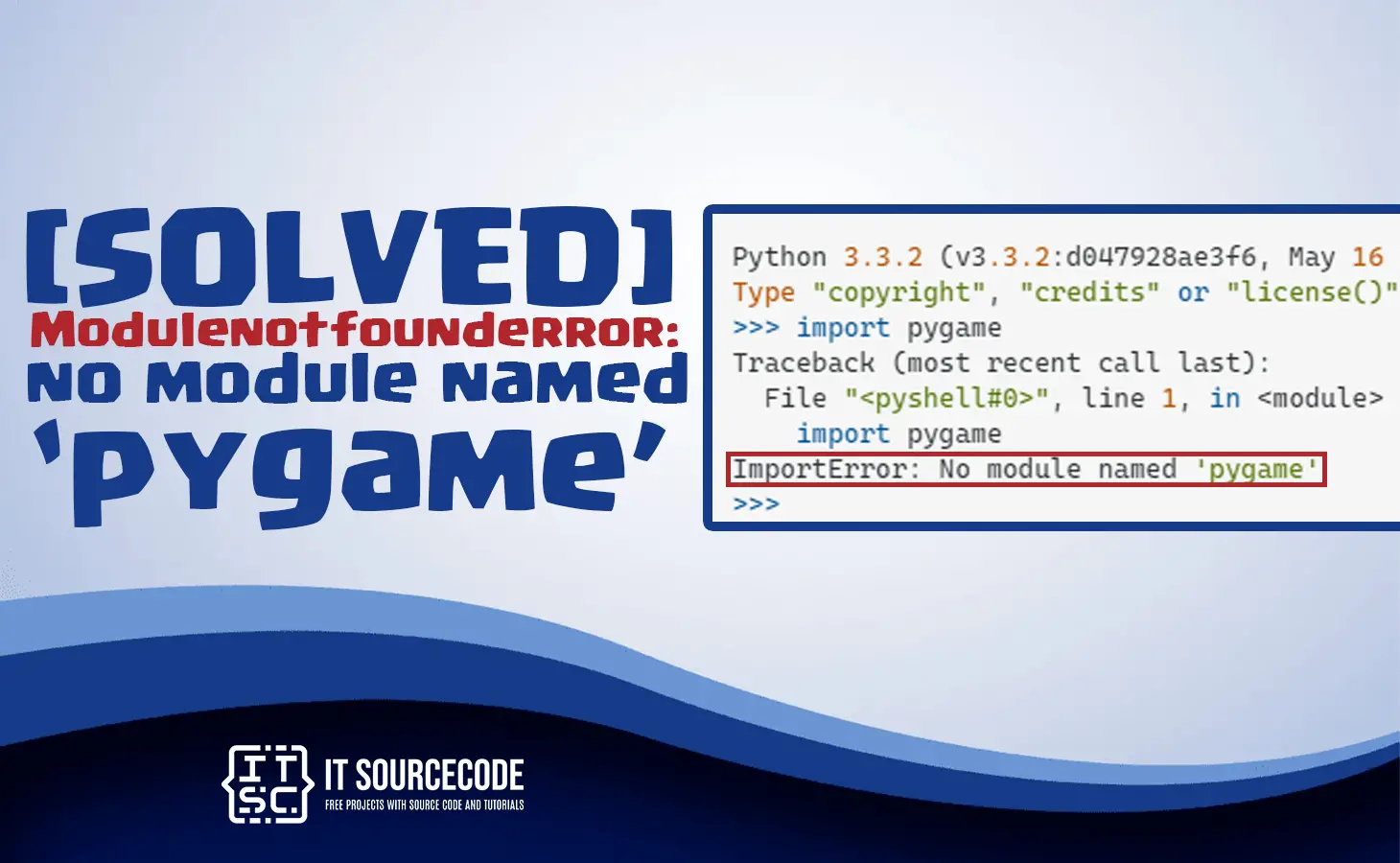
In this article, we will learn the solutions on how to solve the Modulenotfounderror no module named ‘pygame’.
Furthermore, the no module named ‘pygame’ error appears only if you did not install the pygame or either it was installed in the wrong environment.
What is Pygame Module?
The pygame module produces functionality to make a graphical display, work with graphics, and read from input devices.
For example, the mouse and keyboard are on different platforms.
Also read: Modulenotfounderror: no module named skimage [SOLVED]
How to solve the Modulenotfounderror no module named ‘pygame’?
Time needed: 3 minutes
Here are the multiple solutions to solve the no module named ‘pygame’ in python 2, python 3, windows, Ubuntu, CentOS, and openSUSE.
- Solution 1: Install in Python 2
The following command to install the pygame in python 2:
“pip install pygame“ - Solution 2: Install in Python 3
This is the command to install the pygame in python 3:
“pip3 install pygame“ - Solution 3: Install Get permissions error
If you get permissions error, type this command for the installation:
“sudo pip3 install pygame“
or
“pip install pygame –user“ - Solution 4: Install PIP in Path Environment Variable
Type this command for the installation of pip in your path environment variable:
“python -m pip install pygame“For Python 3:
“python3 -m pip install pygame“ - Solution 5: Install py alias (windows)
This is the command to install in py alias:
“py -m pip install pygame“ - Solution 6: Install for Ubuntu/Debian/Mint
This is the command to install in ubuntu, Debian and mint:
“sudo apt-get install python3-pygame“ - Solution 7: Install CentOS/Fedora/Red Hat
The command to install CentOS, fedora and hat:
“sudo yum install python3-pygame“ - Solution 8: Install for openSUSE
The command to install for openSUSE:
“sudo zypper install python3-pygame“ - Solution 9: Install for arch/Manjaro
This is the command to install in arch or Manjaro:
“sudo pamac install python-pygame“ - Solution 10: Install for Jupyter Notebook
This is the command to install in Jupyter Notebook:
“!pip install pygame“
Diagnostic checklist for “No module named ‘pygame'”
- Verify pip install target. Run
pip show pygame— if not installed, runpip install pygame. - Check the active Python interpreter.
which python(mac/Linux) orwhere python(Windows). Both pip and python must point to the same environment. - Check virtual environment activation. If you use venv/conda, activate before installing:
source .venv/bin/activate. - Rule out uppercase/lowercase. Python imports are case-sensitive:
import PyPDF2notimport pypdf2. - Rule out the pip-vs-package-name mismatch. Some packages install under a different name than you import (e.g.
pip install beautifulsoup4→import bs4).
Installing pygame — Python GUI / game library
# Standard install
pip install pygame

# On Linux, some GUI libraries need system packages
# sudo apt install python3-tk  # for tkinter (Debian/Ubuntu)
# sudo apt install libsdl2-dev  # for pygame

# For streamlit
pip install streamlit
streamlit hello  # quick demo
Common causes for missing GUI/game modules
- System library missing. Pygame needs SDL2, PyQt needs Qt5/Qt6, Tkinter needs Tk — install with your system package manager.
- Python 3.13 pygame compile fail. Pygame wheels lag behind Python releases. Use Python 3.11/3.12 for stability.
- Streamlit requires modern pip. Run
python -m pip install --upgrade pipfirst. - Tkinter is not a pip package. It ships with Python — reinstall Python (with tkinter option) if missing.
Working code example
import pygame
print(getattr(pygame, '__version__', 'no version attribute'))

# Pygame smoke test
# import pygame
# pygame.init()
# print(pygame.get_sdl_version())
Best practices
- Test on the target OS. GUI/game libraries have very platform-specific behavior.
- Use a virtual environment. GUI libraries often have version-conflicting deps.
- Pin the GUI-toolkit version. Qt5 vs Qt6, SDL1 vs SDL2 all cause import errors.
Official documentation
Frequently Asked Questions
What is Python ModuleNotFoundError and what causes it?
ModuleNotFoundError (a subclass of ImportError) is raised when Python cannot find the module you tried to import. Common causes: the package isn’t installed (pip install missing), wrong virtual environment activated, typo in module name, or Python can’t find your local module on the import path. The error message names exactly which module is missing.
How do I fix ‘ModuleNotFoundError: No module named X’?
Run pip install X first. If that succeeds but you still get the error, check which Python you’re using (which python OR python –version) vs which pip (which pip OR pip –version), they must match. Common gotcha: pip points to system Python 3.9 but you’re running python3.11 in a venv. Inside the venv, use python -m pip install X to be sure pip matches the active Python.
Why does my code work in one environment but not another?
Different Python versions or different installed packages. To diagnose: pip freeze > requirements.txt on the working environment, then pip install -r requirements.txt on the broken one. Use virtualenv (python -m venv venv) or conda for every project to avoid system-wide package collisions.
Is ModuleNotFoundError the same as ImportError?
ModuleNotFoundError is a subclass of ImportError added in Python 3.6. It specifically means ‘no such module exists.’ Plain ImportError covers a wider set: module exists but a name inside it can’t be imported (e.g. ‘cannot import name X from Y’). except ImportError catches both; except ModuleNotFoundError catches only the missing-module case.
Where can I find more ModuleNotFoundError fixes?
Browse the ModuleNotFoundError reference hub for 198+ specific module fixes (TensorFlow, Flask, Django, pandas, numpy, etc.). For related issues see ImportError. For broader Python setup see Python Tutorial hub.
Conclusion
To conclude, if ever you had encountered this error Modulenotfounderror: no module named ‘pygame’. Then the above solutions are the best way to solve your error.

Adones Evangelista
Programmer & Technical Writer at PIES IT Solution
Adones Evangelista is a programmer and writer at PIES IT Solution, author of over 900 tutorials and error-fix guides at itsourcecode.com. Specializes in JavaScript, Django, Laravel, and Python error debugging covering ValueError, TypeError, AttributeError, ModuleNotFoundError, and RuntimeError, plus C/C++ and PHP capstone projects for BSIT students.
Expertise: JavaScript · Python · Django · Laravel · Error Debugging · C/C++
· View all posts by Adones Evangelista →