
Django Insert Data Into Database With Source Code

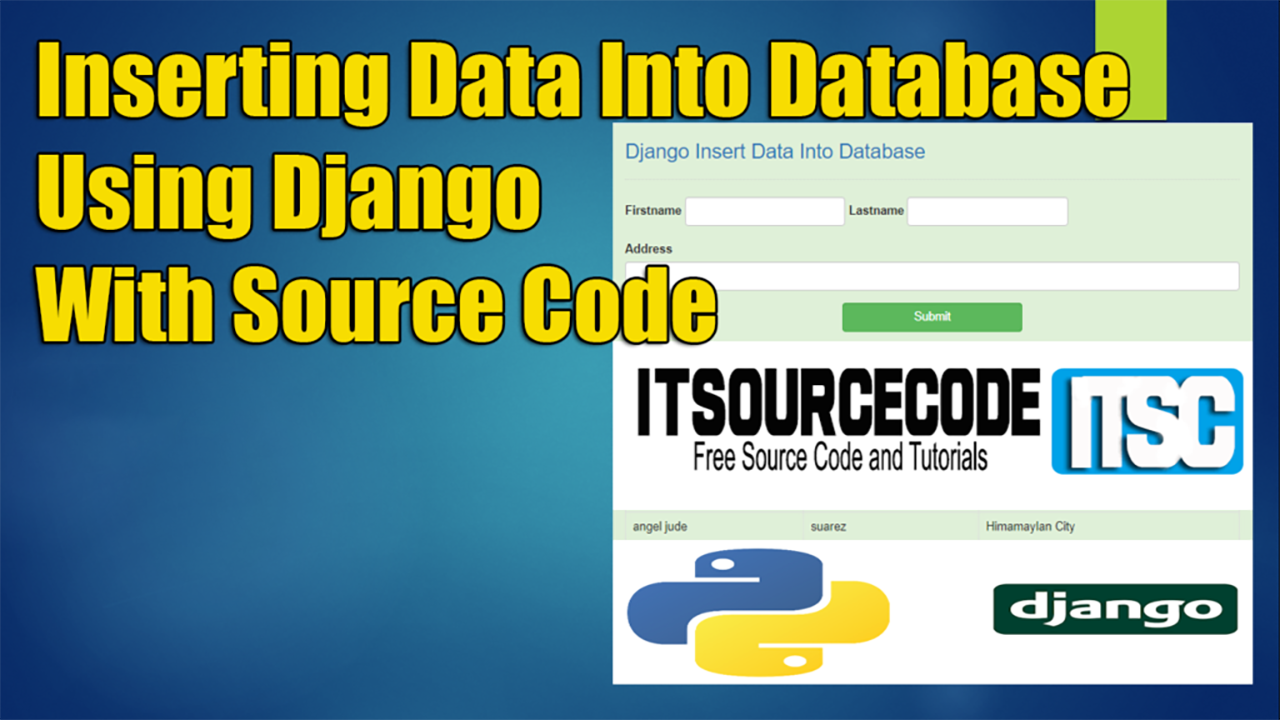
The Django Insert Form Data Into Database is easy to manipulate by the user, first the user will input their first name, last name and address into the form after filling up.

The user will click the submit button and the data that being executed will store in the table above.

This Django Insert Form Data Into MySQL Database also includes a downloadable Project With Source Code for free, just find the downloadable source code below and click to start downloading.

Read or visit the other interesting programming language used in insert data into database.

To start creating a Insert Data Into Database in Django, makes sure that you have PyCharm Professional IDE or any platform of Django and its requirements Installed in your computer.

About ProjectProject DetailsDefinition
Project Name Django Insert Data Into DatabaseThe Insert Data Into Database is developed using Python DjangoHTML,CSSJavaScript and Bootstrap, In this tutorial we will create a Django Insert Data Into Table.
Python version (Recommended)3.8 VersionPython 3.8 introduces some new syntax to the language, as well as a few small modifications to existing behavior and, most importantly, a slew of performance improvements, following in the footsteps of the previous 3.7 version.
Programming Language UsedPython Django LanguageDjango is a high-level Python web framework for building safe and maintainable websites quickly.

Django is a web framework built by experienced developers that takes care of a lot of the heavy lifting so you can focus on developing your app instead of reinventing the wheel.
Developer Name itsourcecode.comFree projects containing source code in Java, PHP, Python, Django, VB.Net, Visual Basic, C, C++, C#, Javascript, and other languages are available on this website.
IDE Tool (Recommended)Sublime, Visual Studio, PyCharmSublime Text is a source code editor that is available for purchase. It comes with built-in support for a variety of programming and markup languages.

Plugins, which are often community-built and maintained under free-software licenses, allow users to extend the functionality of the system. Sublime Text has a Python API to help with plugins.
Project Type Web ApplicationA web application, unlike computer-based software programs that operate locally on the device’s operating system, is application software that runs on a web server. The user uses a web browser with an active network connection to access web apps.
DatabaseSQLiteSQLite is a programming language that is used to create embedded software for devices such as televisions, cell phones, and cameras.

It can handle HTTP requests with low to medium traffic. SQLite has the ability to compress files into smaller bundles with less metadata. SQLite is a temporary dataset that is used within an application to process data.
Insert Data Into Database in Django Overview

How does Django store data in database?

Use keyword parameters to the model class to construct an object, then execute save() to store it to the database.

Behind the scenes, an INSERT SQL statement is executed. The database is not accessed by Django until you specifically execute save(). There is no return value for the save() method.

Where is data stored in Django?

By default, Django uses the MEDIA ROOT and MEDIA URL settings to locally store files.

The next examples are predicated on your use of these defaults.

However, Django offers means for you to create unique file storage systems, giving you total control over where and how Django stores data

Reminders

To perform this python django project make sure that you have knowledge in the following:

  • CSS
  • HTML
  • Javascript
  • Database Management

Features Of This Insert Data Into Database using Django

  • Adding Information Data Into Database

In This Django Insert Form Data Into MySQL Database Consist Of The Following Method:

  • blog – In this method which is the main feature of this project.
  • server – In this method which is the main method of this project.

How to create a Django Insert Form Data Into Database With Source Code

Time needed: 5 minutes

Here are the steps on how to create the Django Insert Data Into Database

  • Step 1: Open file.

    First , open “pycharm professional” after that click “file” and click “new project“.
    insert data open file

  • Step 2: Choose Django.

    Second, after click “new project“, choose “Django” and click.
    insert data create django

  • Step 3: Select file location.

    Third, select a file location wherever you want.
    insert data file location

  • Step 4: Create application name.

    Fourth, name your application.
    insert data application name

  • Step 5: Click create.

    Fifth, finish creating project by clicking “create” button.
    insert data create project

  • Step 6: Start of coding.

    you are free to copy the following codes below in the given modules and method required.

The List Of Module Given Below Are Under The “Blog” Method

  • The Code Given Below Is For The “views.py” Module – you can add the following code below into your “views.py” under the “Blog” method.
from django.shortcuts import render, redirect
from .models import Member

# Create your views here.
def index(request):
    members = Member.objects.all()
    return render(request, 'blog/index.html', {'members': members})

def insert(request):
    member = Member(firstname=request.POST['firstname'], lastname=request.POST['lastname'], address=request.POST['address'])
    member.save()
    return redirect('/')

In this module which is the index module of the Blog method.

  • The Code Given Below Is For The “urls.py” Module – you can add the following code below into your “urls.py” under the “Blog” method.
from django.conf.urls import url
from . import views

urlpatterns = [
    url(r'^$', views.index, name='index'),
    url(r'^insert$', views.insert, name='insert'),
]

In this module which is the URL configuration module under Blog method.

  • The Code Given Below Is For The “models.py” Module – you can add the following code below into your “models.py” under the “Blog” method.
from django.db import models

# Create your models here.
class Member(models.Model):
    firstname = models.CharField(max_length=50)
    lastname = models.CharField(max_length=50)
    address = models.CharField(max_length=50)

    def __str__(self):
        return self.firstname + " " + self.lastname

In this module which you can found classes to be call under Blog method.

Downloadable Source Code Below.

Anyway, if you want to level up your programming knowledge, especially python, try this new article I’ve made for you Best Python Projects with source code for Beginners.

But If you’re going to focus on web development using Django, you can download here from our list of Best Django Projects with source code based on real-world projects.

How To Run The Django Insert Form Data Into Database?

Step 1: Extract/unzip the file

Step 2: Go inside the project folder, open command prompt and type the following to run the commands to install Django Framework and run the webserver:

1.) python manage.py runserver

Step 3: Finally, open the browser and go to localhost:8000

Summary

The system is built fully in Django Framework in back-end and HTML, CSS in front-end. It has full-featured user interface with all the functionalities

This article is the way to enhance and develop our skills and logic ideas which is important in practicing the python programming language which is most well known and most usable programming language in many company.

Frequently Asked Questions

How does this Django management system work?

Standard Django MVT pattern: urls.py defines routes, views.py handles requests, models.py defines DB schema, templates render UI. CRUD on main entity, plus reports/dashboards. Django auth + groups for role-based access. Django admin available for back-office.

What Django and Python versions does this project require?

Most projects in this batch run on Django 4.x or 5.x with Python 3.8+. A few older projects need Django 3.2 with Python 3.7. Check the requirements.txt file for exact versions. To run any: install Python, create a virtualenv (python -m venv venv), activate it, pip install -r requirements.txt, run python manage.py migrate, then python manage.py runserver.

How do I set up the database for this Django project?

Most projects use SQLite (zero setup, auto-creates db.sqlite3 in project root on first migrate). For projects using MySQL or PostgreSQL: install the database server, create an empty database, edit settings.py DATABASES[‘default’] with your credentials, run python manage.py migrate. For sample data: python manage.py loaddata fixtures.json (if a fixture file is included) or create a superuser via python manage.py createsuperuser.

Can I use this Django project for a BSIT capstone or thesis?

Yes, but extend it. A bare CRUD app is too narrow for full capstone scope. Add: user roles via Django Groups, dashboards (Chart.js + AJAX endpoints), PDF exports (ReportLab or WeasyPrint), email notifications (Django send_mail), real domain extension (analytics, audit log, multi-branch). Pair with Chapter 1-5 documentation matching your panel’s rubric.

Why am I getting ModuleNotFoundError, OperationalError, or ‘No such table’ errors?

Three common Django startup issues: (1) ModuleNotFoundError: virtualenv not activated OR pip install -r requirements.txt skipped. (2) OperationalError: database credentials in settings.py don’t match your local MySQL/PostgreSQL. (3) ‘No such table’: you skipped python manage.py migrate. Also: if settings.py imports fail, check Python version compatibility (Django 5 needs Python 3.10+).

Where can I find more Django projects with source code?

Browse the Django Projects hub for the full library. For broader Python capstones see Python Projects (Tkinter desktop, Pygame games, OpenCV vision, ML). For PHP MVC alternatives see Laravel Projects. For BSIT capstone idea lists see 150 Best Capstone Project Ideas.

Inquiries

If you have any questions or suggestions about Django Insert Data Into Database, please feel free to leave a comment below.

Angel Jude Suarez

Full-Stack Developer at PIES IT Solution

Focuses on Python development, machine learning, and AI integration. Has built production AI systems including OpenAI Whisper integration for medical transcription and GPT-4o-powered diagnosis assistance. Strong background in pandas, scikit-learn, and TensorFlow.

Expertise: Python · PHP · Java · VB.NET · ASP.NET · Machine Learning · AI Integration · OpenCV · Django · CodeIgniter  · View all posts by Angel Jude Suarez →

Leave a Comment