17-Generating Reports (part 3)
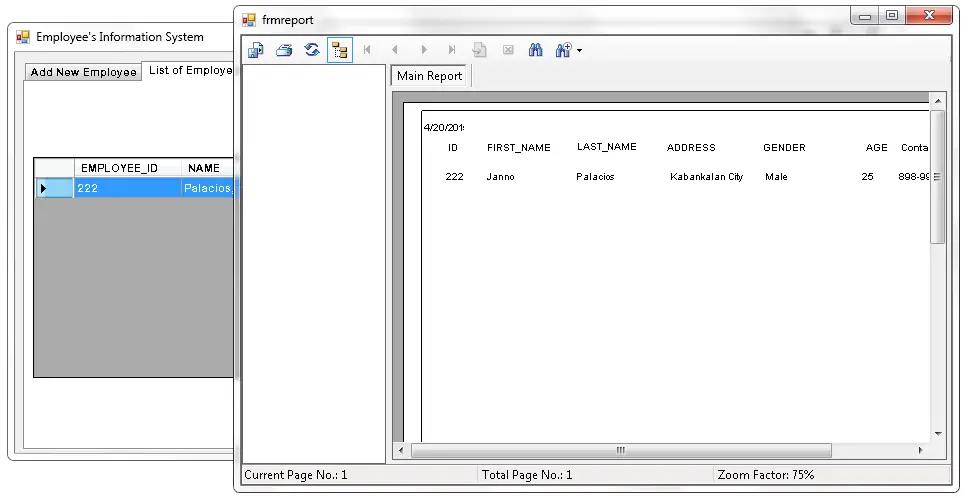
This is the continuation of my tutorial about Generating Reports. This time I will show you how to put a Crystal Report in a Windows Form and retrieving the records …

Employee Management Systems (EMS) are among the most defendable capstone projects for BSIT and BSCS students. This hub gathers free source code, step-by-step tutorials, and complete UML diagrams for building HR systems that handle employee records, departments, leave tracking, performance reviews, and reporting, proven systems used by hundreds of Philippine BSIT graduates for their capstone defense.
What you’ll find in the Employee Management System hub
Complete source code in PHP + MySQL, Python (Django/Flask), Java (NetBeans), and VB.NET
Step-by-step tutorials walking through database design, authentication, CRUD operations, and reporting
UML diagrams for documentation, Use Case, Activity, Sequence, Class, ER (database)
Capstone documentation templates for Chapter 1-5 specific to EMS projects
Defense preparation: common panel questions and how to answer them
Core features to build in your EMS capstone
Standard modules panels expect to see in 2026:
Employee profile management: add, edit, archive employees with photo uploads
Department & position assignment: organizational hierarchy
Attendance integration: link to a Payroll system or biometric tracker
Leave management: request, approve, track sick/vacation/emergency leaves
Performance reviews: periodic evaluations stored per employee
Reports & analytics: turnover rate, attendance summary, department headcount
Role-based access: HR admin, manager, employee views
Recommended technology stack
For Philippine BSIT capstones, PHP + MySQL + Bootstrap is the most defensible, easy hosting, lots of local industry use, and panels are familiar with it. Python (Django) is cleaner if your project includes AI/ML features like attendance facial recognition. Java (NetBeans + Swing) fits desktop-only deployments. VB.NET works for SQL Server + Windows Forms requirements. Browse PHP Projects or Python Projects for starter templates.
Related capstone collections
Payroll System Projects, natural companion to EMS (shared employee table)
Student Information System Projects, same CRUD pattern, different domain
UML Diagrams Library, get the Use Case + ER diagrams for your documentation
Chapter 1-5 Writing Series, template the full documentation
Scroll down to browse the full Employee Management System catalog ↓
This is the continuation of my tutorial about Generating Reports. This time I will show you how to put a Crystal Report in a Windows Form and retrieving the records …
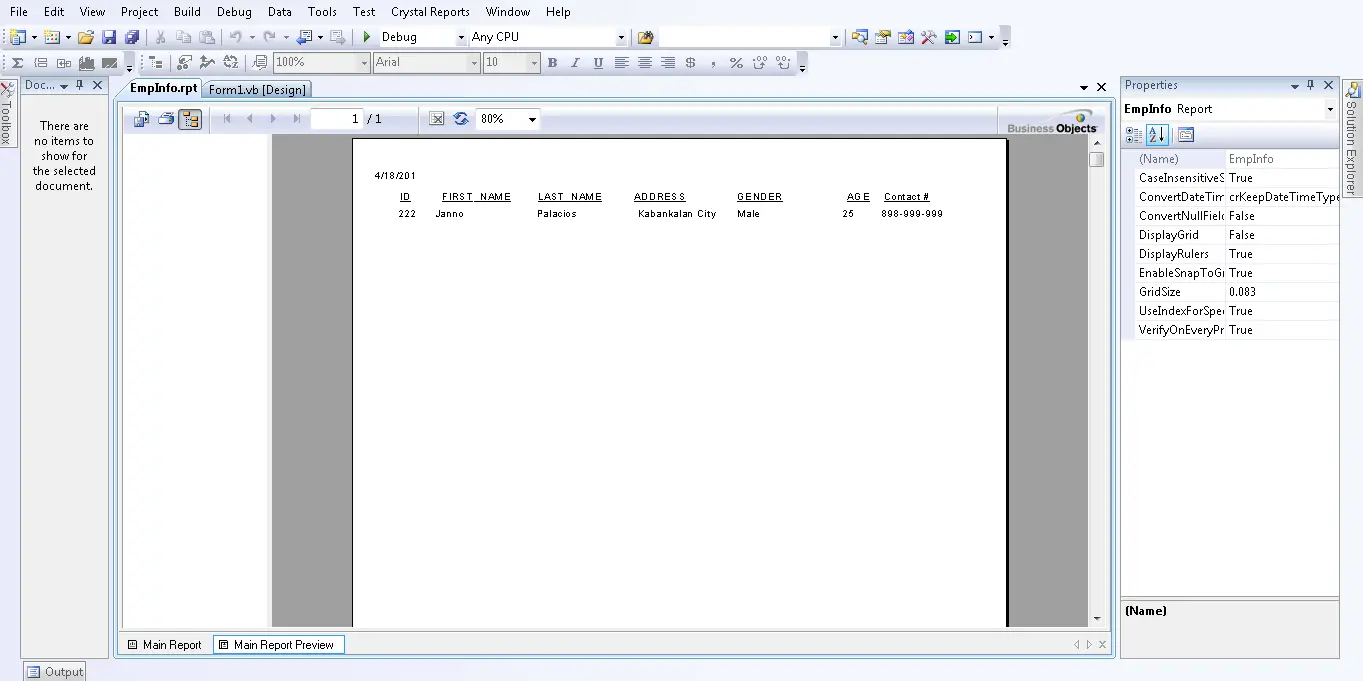
In my previous tutorial which is 15-Generating Reports (part 1) I set up the ODBC data source for the Student Registration database. Now, I will create a report of a …
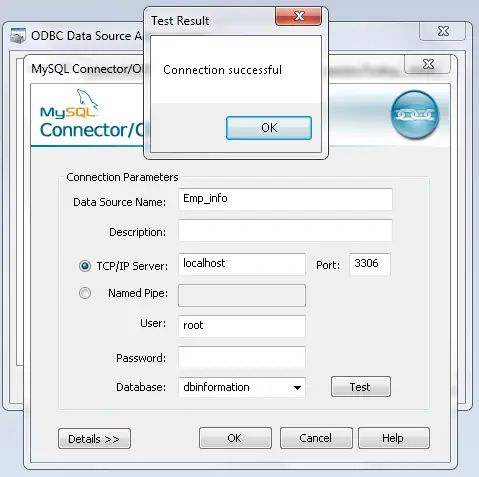
This tutorial is all about Generating Reports. In my previous tutorial, I created 14-Removing User/s. Today, I will teach you how to generate a report using a Crystal Report in the …
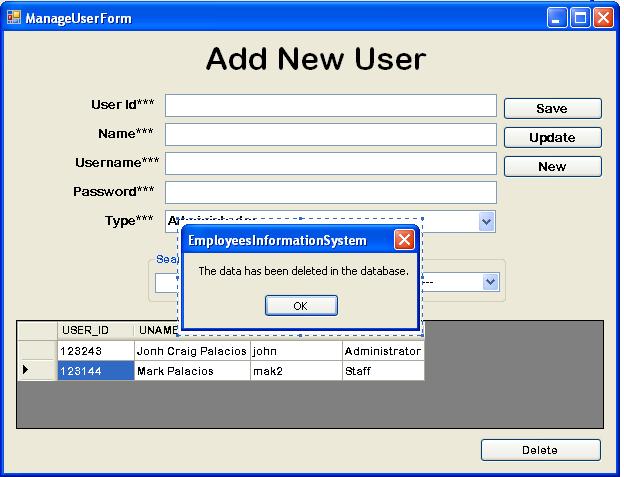
This tutorial is all about Removing Users. Today, I’m going to teach you on how to remove the data in MySQL Database. Deleting or removing records is not required in a …
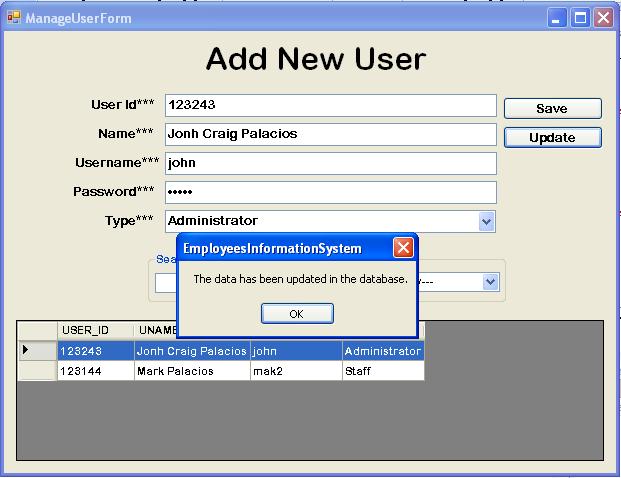
This tutorial is all about Updating Users. In this tutorial, I will teach you how to update the records in the MySQL Database. With, this you can update the user’s information …
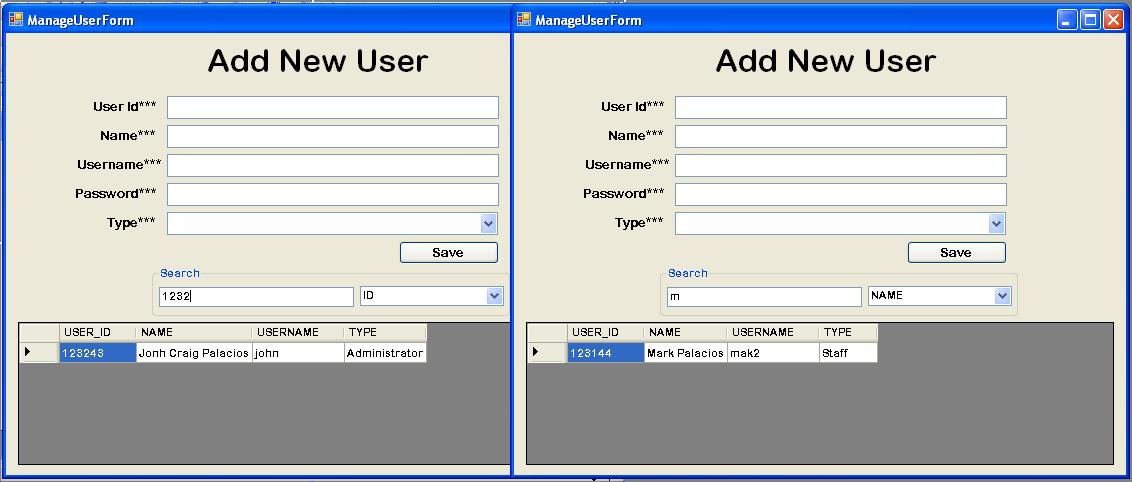
This tutorial is all about Searching Users. In this tutorial, I’m going to teach you how to search the data in the MySQL Database. With this, you can search the user’s …
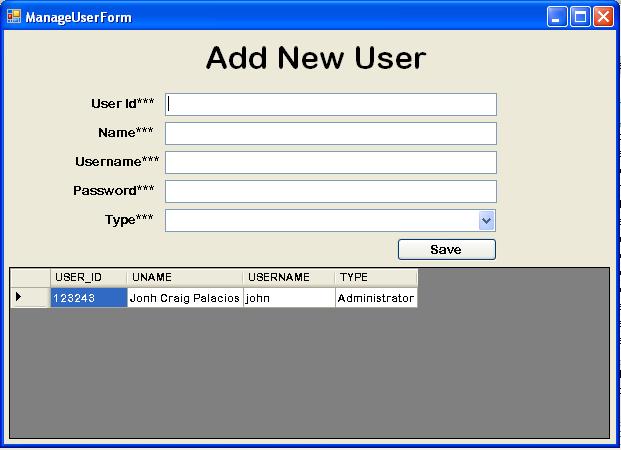
This tutorial is all about Retrieving User. In this tutorial, I will teach you how to retrieve the user’s records in the MySQL Database. with this, the records will be displayed …
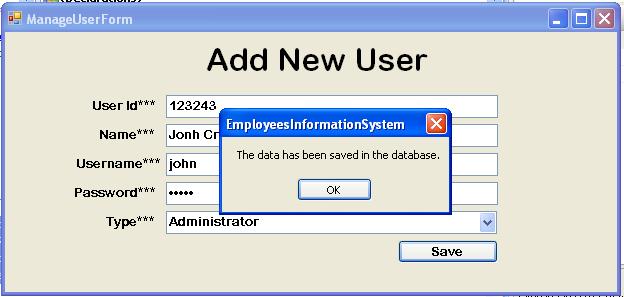
This tutorial is all about Register New User. In this tutorial, I’m going to teach you how to register a new user in the User’s Registration Form. with this, you can …
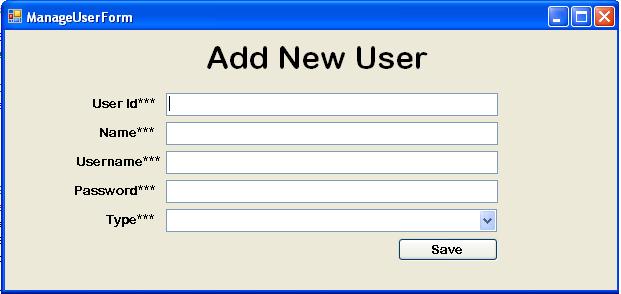
This tutorial is all about Creating Manage User Form. After finishing the last topic for creating the Employee’s Registration Form. Now, we’re going to focus in creating a Manage User’s Form. …
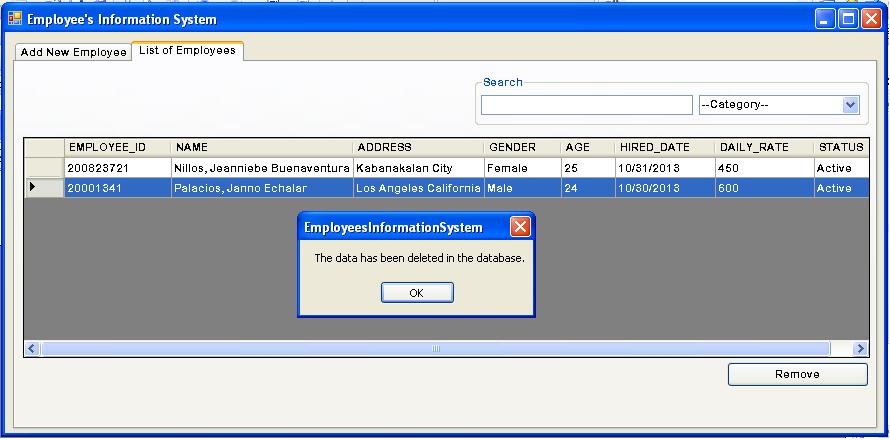
This tutorial is all about Removing Employees. Today, I’m going to teach how to remove the Employee’s Information in the MySQL Database. With this you can remove the Information of the …
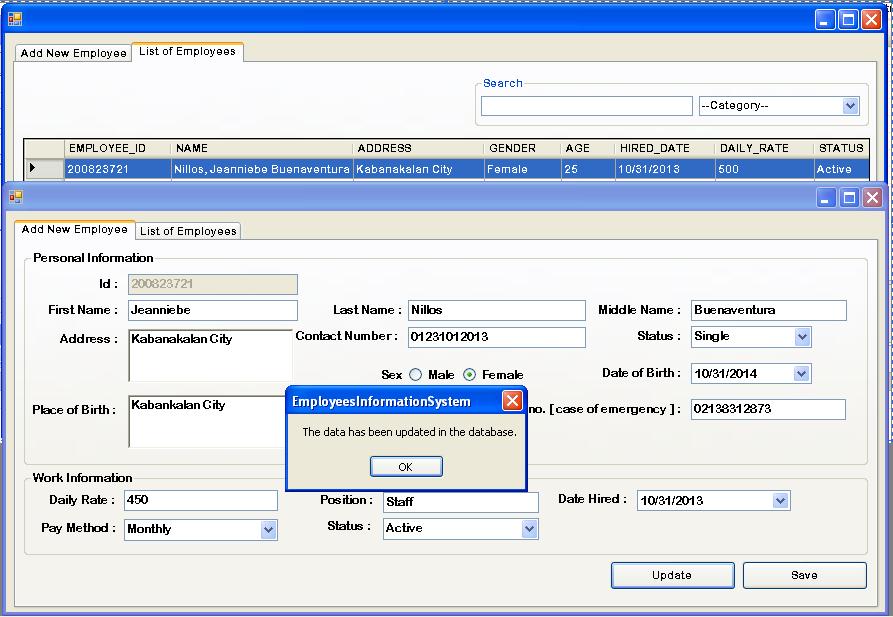
This tutorial is all about Updating Employees. In this tutorial, I will teach you how to update the records of the Employee’s Information. With this, you can update the records of …
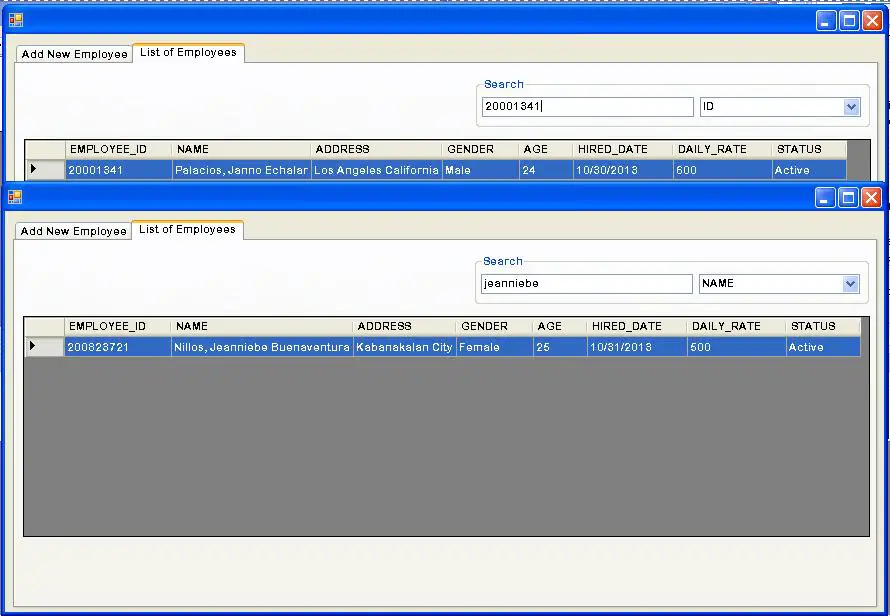
This tutorial is all about Search Employees. In this tutorial, I will teach you how to search the record of the Employee in the database. With this, you can search the …
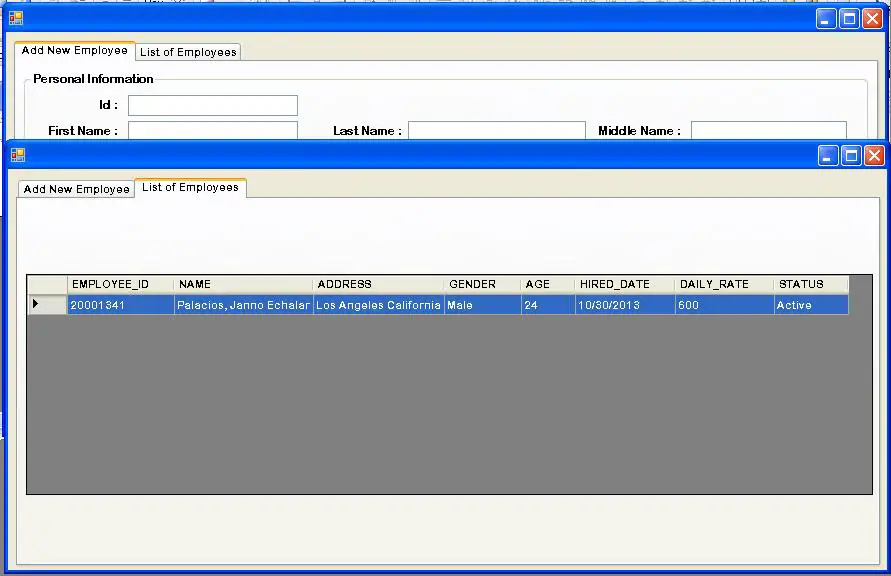
This tutorial is all about Retrieving Employees. Today, I’m going to teach you how to retrieve data in the database. Retrieving data means that, the data obtain from a database management …
employees (id, name, department_id, position_id, hire_date, status, photo_path), departments, positions, leaves (employee_id, leave_type, start_date, end_date, status), attendance (employee_id, date, time_in, time_out), performance_reviews, users (for login), audit_logs. Add foreign keys for referential integrity; index frequently-queried columns like (employee_id, date) for fast reports.