
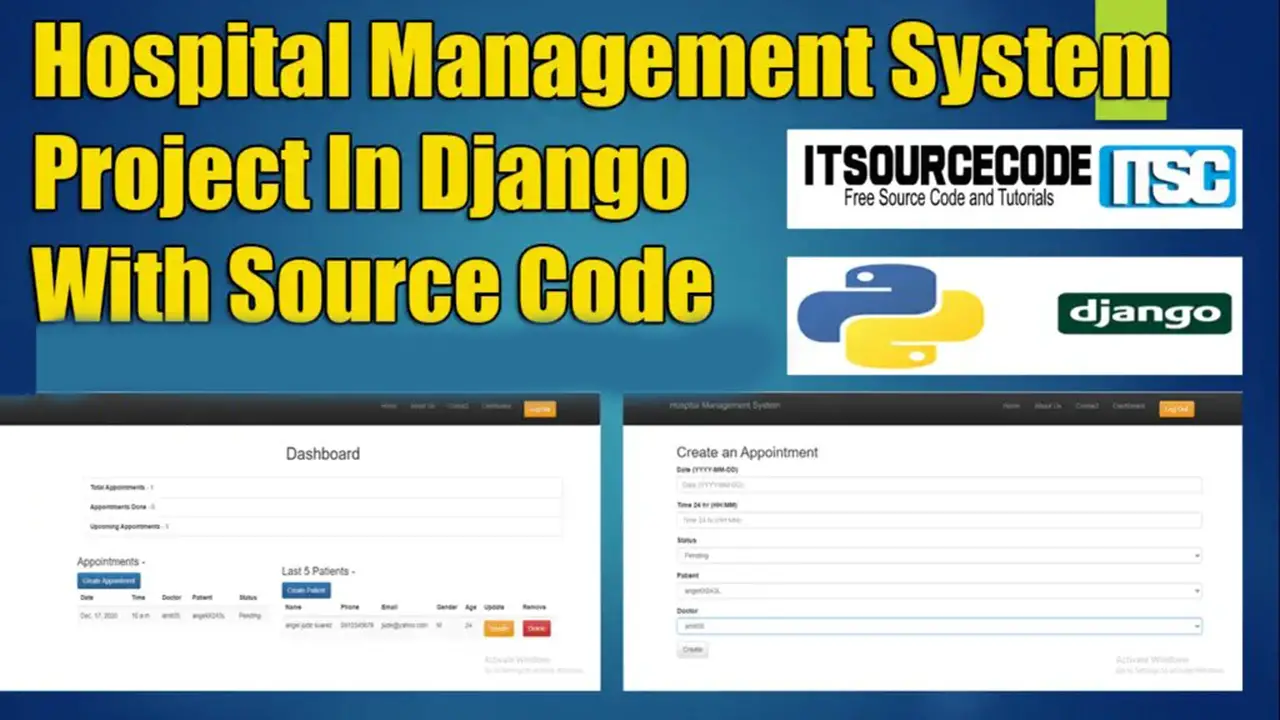
Django Hospital Management System with Source Code

A Hospital Management System using Django is a Multi-User Interface like Patient details, Doctor, Receptionist and HR.

Also this Hospital Management System can manage all the records inside the hospital in an easy way and view their appointment.

An HMS-based project that uses Python and the Django Web Framework is fully operational.

For the first- and second-year IT students’ college projects, the following Django project has all the crucial elements.

The users will be able to handle the hospital’s records thanks to a number of crucial features it contains. The idea behind both this system and the online application is simple, similar to real-life situations, and well-executed.

Read/Visit also the other programming language used in hospital management system.

Please scroll down to the bottom of this post for the Obtain button to download the free hospital management system project in Python Django with free source code files.

To start creating a Hospital Management System using Django, makes sure that you have PyCharm Professional IDE or any platform of django and its requirements Installed in your computer.

About ProjectProject Details
Project Name Hospital Management System Project In Django
Python version (Recommended)3.8 Version
Programming Language UsedPython Django Language
Developer Name itsourcecode.com
IDE Tool (Recommended)Sublime, Visual Studio, PyCharm
Project Type Web Application
DatabaseSQLite
Hospital Management System Project In Django Overview

About Hospital Management System Django

In particular, handling medical records is the major focus of this Python Django hospital management system project.

The system also shows all of the appointments that are available along with their associated information.

The system also enables management of patient records. Evidently, the three sections of this project are Patient, Doctor, and Admin Panel.

A patient can easily register and begin using this web program, according to an overview of it. Initially, the admin must approve the action. In actuality, he or she must apply for it.

However, the administrator must take action on each application, which is contingent on their approval or disapproval. Every patient is required to describe their symptoms by default.

The client can also examine their appointment and hospital expenses.

Admin Dashboard

An admin, on the other hand, has total command over the platform. In contrast to every other user, an admin account controls the system’s correct operation.

The user can view a summary of all the data. The admin has the authority to accept or reject each request.

The admin can only schedule an appointment and release patients, by the way.

However, the administrative staff can continue with the patient bills’ billing portion. An admin must provide information such as room charges, doctor fees with medication, and other charges in order to add billings.

The user can examine and download bill receipts in addition, though. The user can also list the records of the patient and the doctor.

In addition to these, the system provides a list of overall records for all applicants across various categories. In actuality, these sections also contain declined and pending records.

The admin can also oversee all appointments.

Reminders

To perform this python django project make sure that you have knowledge in the following:

  • CSS
  • HTML
  • Javascript
  • Database Management

Features of hospital management system in Django

  • Manage Patient
  • Manage Doctor
  • Manage Appointment
  • Login/Logout System

Method used:

  • account – In this method which is the method for all the accounts that being registered in this system.
  • hospital – In this method which is the main method of the system.
  • appointment – In this method which is the main method for creating an appointment to the patient.
  • user_profile – In this method which is the user profile account of the users.
  • template – In this method which is the design of the system.

How to create a Hospital Management System using Django?

Time needed: 5 minutes

Here are the steps on how to create a Hospital Management System Django

  • Step 1: Open file.

    First , open “pycharm professional” after that click “file” and click “new project“.
    hospital management system open file

  • Step 2: Choose Django.

    Second, after click “new project“, choose “Django” and click.
    hospital management system create django

  • Step 3: Select file location.

    Third, select a file location wherever you want.
    hospital management system file location

  • Step 4: Create application name.

    Fourth, name your application.
    hospital management system application name

  • Step 5: Click create.

    Fifth, finish creating project by clicking “create” button.
    hospital management system create project

  • Step 6: Start of coding.

    you are free to copy the following codes below in the given modules and method required.

Downloadable Source Code Below.

Anyway, if you want to level up your programming knowledge, especially python, try this new article I’ve made for you Best Python Projects with source code for Beginners.

But If you’re going to focus on web development using Django, you can download here from our list of Best Django Projects with source code based on real-world projects.

How To Run The Hospital Management System In Django?

Step 1: Extract/unzip the file

Step 2: Go inside the project folder, open cmd and type the following commands to install Django Framework and run the webserver:

1.) pip install -r requirements.txt

2.) python manage.py runserver

Step 3: Finally, open the browser and go to localhost:8000

Summary

The system is built fully in Django Framework in back-end and HTML, CSS in front-end. It has full-featured user interface with all the functionalities

This Article is the way to enhance and develop our skills and logic ideas which is important in practicing the python programming language which is most well known and most usable programming language in many company.

Frequently Asked Questions

How does this Django hospital management system work?

Standard modules: patient registration, doctor schedule, appointment booking, billing, lab results, pharmacy, ward assignment. Django auth groups (Group, Permission) separate admin / doctor / nurse / receptionist views. Foundation BSIT capstone, fits most panel rubrics.

What Django and Python versions does this project require?

Most projects in this batch run on Django 4.x or 5.x with Python 3.8+. A few older projects need Django 3.2 with Python 3.7. Check the requirements.txt file for exact versions. To run any: install Python, create a virtualenv (python -m venv venv), activate it, pip install -r requirements.txt, run python manage.py migrate, then python manage.py runserver.

How do I set up the database for this Django project?

Most projects use SQLite (zero setup, auto-creates db.sqlite3 in project root on first migrate). For projects using MySQL or PostgreSQL: install the database server, create an empty database, edit settings.py DATABASES[‘default’] with your credentials, run python manage.py migrate. For sample data: python manage.py loaddata fixtures.json (if a fixture file is included) or create a superuser via python manage.py createsuperuser.

Can I use this Django project for a BSIT capstone or thesis?

Yes, but extend it. A bare CRUD app is too narrow for full capstone scope. Add: user roles via Django Groups, dashboards (Chart.js + AJAX endpoints), PDF exports (ReportLab or WeasyPrint), email notifications (Django send_mail), real domain extension (analytics, audit log, multi-branch). Pair with Chapter 1-5 documentation matching your panel’s rubric.

Why am I getting ModuleNotFoundError, OperationalError, or ‘No such table’ errors?

Three common Django startup issues: (1) ModuleNotFoundError: virtualenv not activated OR pip install -r requirements.txt skipped. (2) OperationalError: database credentials in settings.py don’t match your local MySQL/PostgreSQL. (3) ‘No such table’: you skipped python manage.py migrate. Also: if settings.py imports fail, check Python version compatibility (Django 5 needs Python 3.10+).

Where can I find more Django projects with source code?

Browse the Django Projects hub for the full library. For broader Python capstones see Python Projects (Tkinter desktop, Pygame games, OpenCV vision, ML). For PHP MVC alternatives see Laravel Projects. For BSIT capstone idea lists see 150 Best Capstone Project Ideas.

Inquiries

If you have any questions or suggestions about Django Hospital Management System , please feel free to leave a comment below.

Angel Jude Suarez

Full-Stack Developer at PIES IT Solution

Focuses on Python development, machine learning, and AI integration. Has built production AI systems including OpenAI Whisper integration for medical transcription and GPT-4o-powered diagnosis assistance. Strong background in pandas, scikit-learn, and TensorFlow.

Expertise: Python · PHP · Java · VB.NET · ASP.NET · Machine Learning · AI Integration · OpenCV · Django · CodeIgniter  · View all posts by Angel Jude Suarez →

10 thoughts on “Django Hospital Management System with Source Code”

Leave a Comment