
An Online Python interpreter is a program that runs the code you’ve written line by line without compiling it into machine language.
In order for you to test and run your python code online, I have here the Best Online Python Compiler for free. just enter your code in the python compiler and click the run button to execute the program.
9 Best Python Interpreters and Compilers Online
Here is the list of the Best common used Python Interpreters Online for Development Environment.
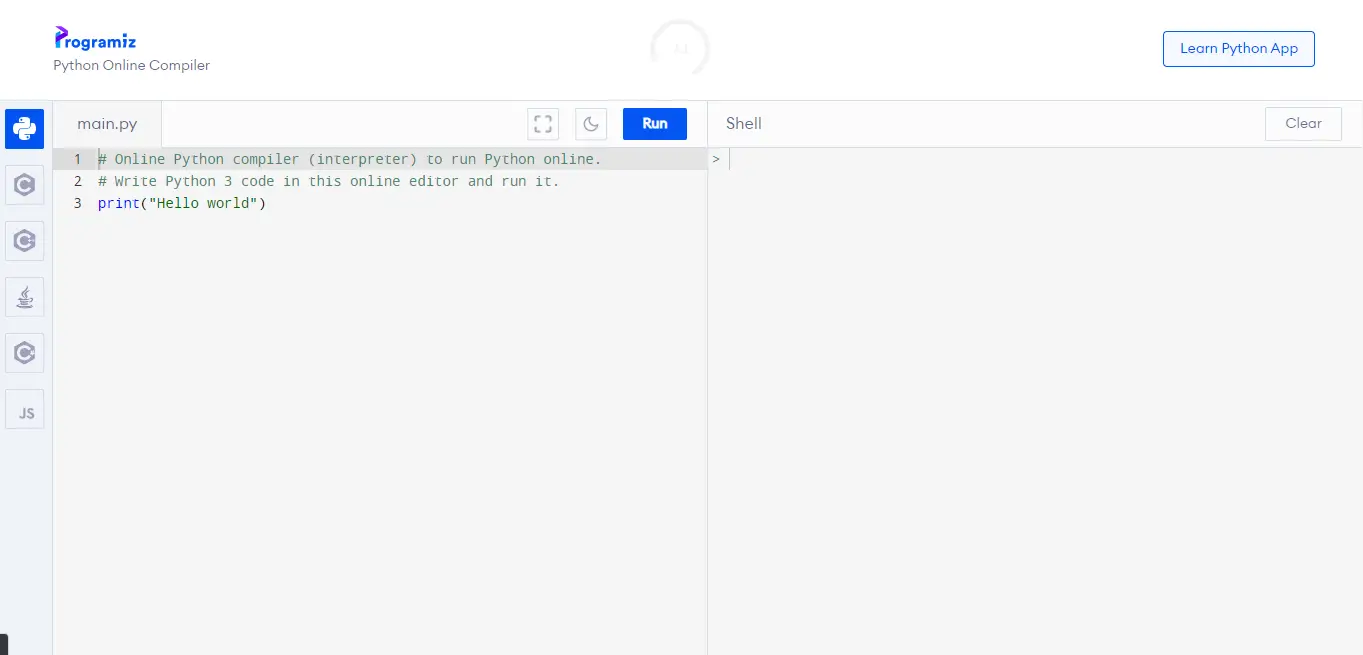
1. Programiz
This Python compiler (interpreter) allows programmers to write and run Python code online. It can apply Python Shell-like IDLE and take inputs from the user.
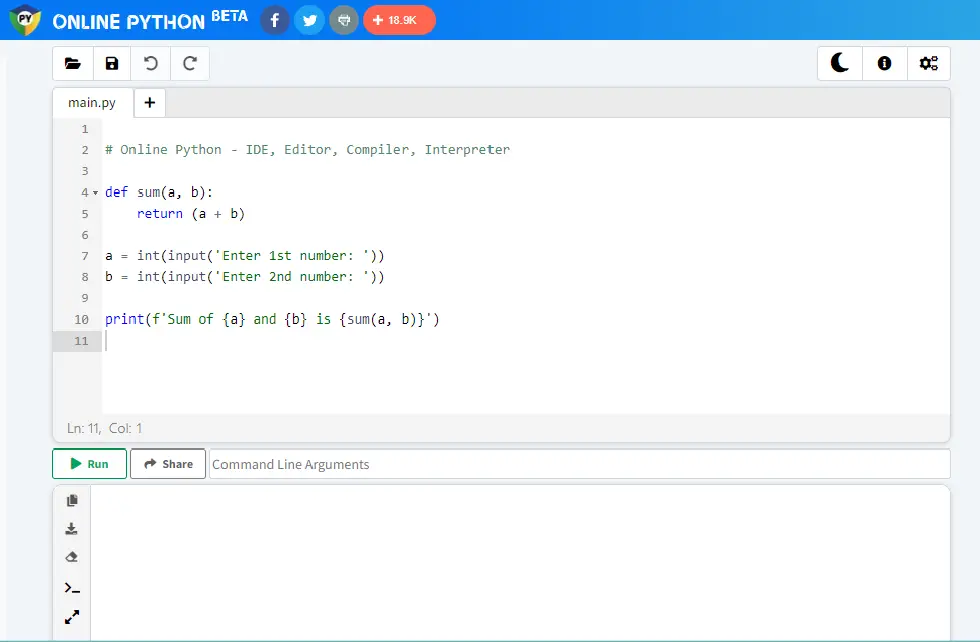
2. Online Python
This online interpreter (compiler) lets you build, run, and share Python code online for free. It is the fastest, most reliable, and most powerful Python interpreter online.
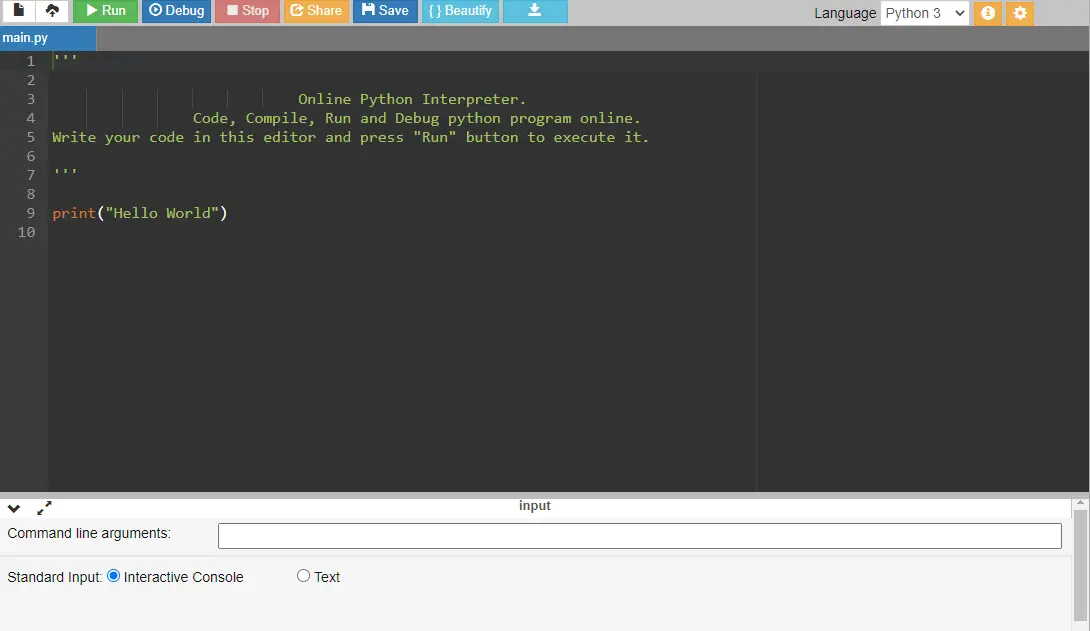
3. OnlineGDB
OnlineGDB is an online IDE with a python interpreter. This interpreter is quick and has an easy way to run a python program online. It supports python3.
4. Tutorialspoint
The TutorialPoint e-Learning portal provides an online Python terminal. The interactive editor for coding practice is also enabled using the IPython interface.
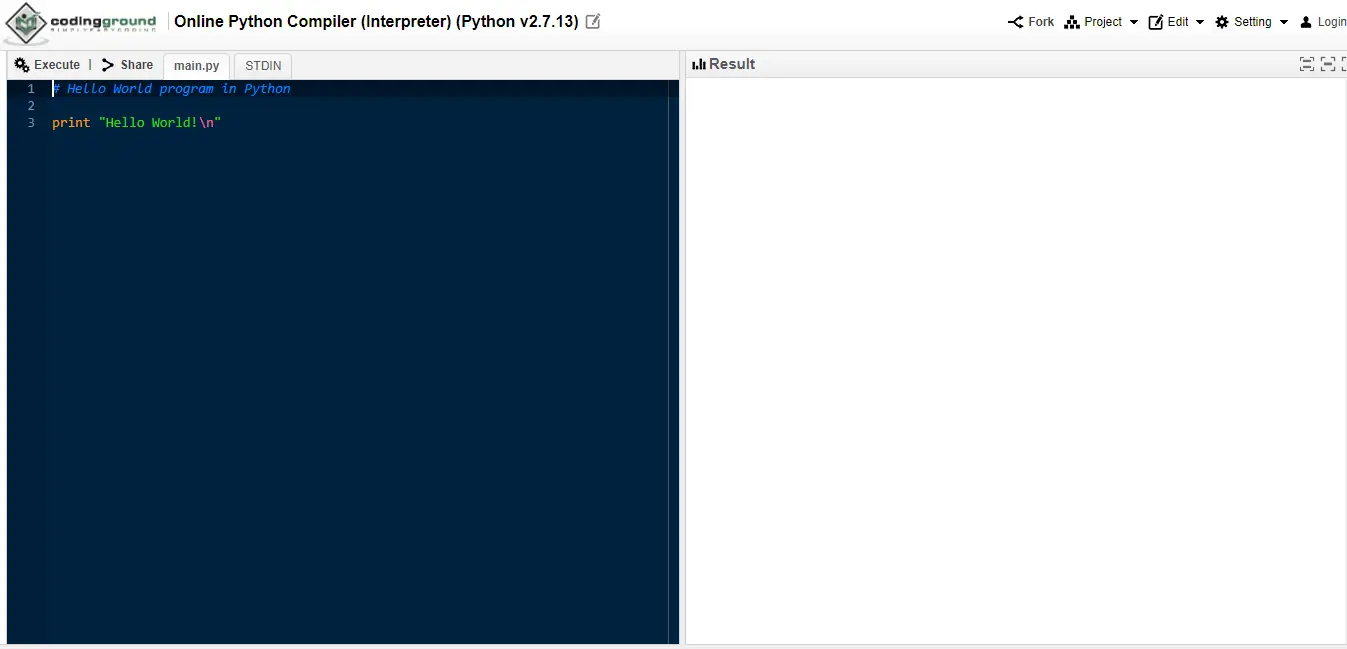
5. Replit
It’s the best site for interactive programming and Python online execution. The read-eval-print loop, which applies to both Lisp and Python, inspired the name of this terminal.
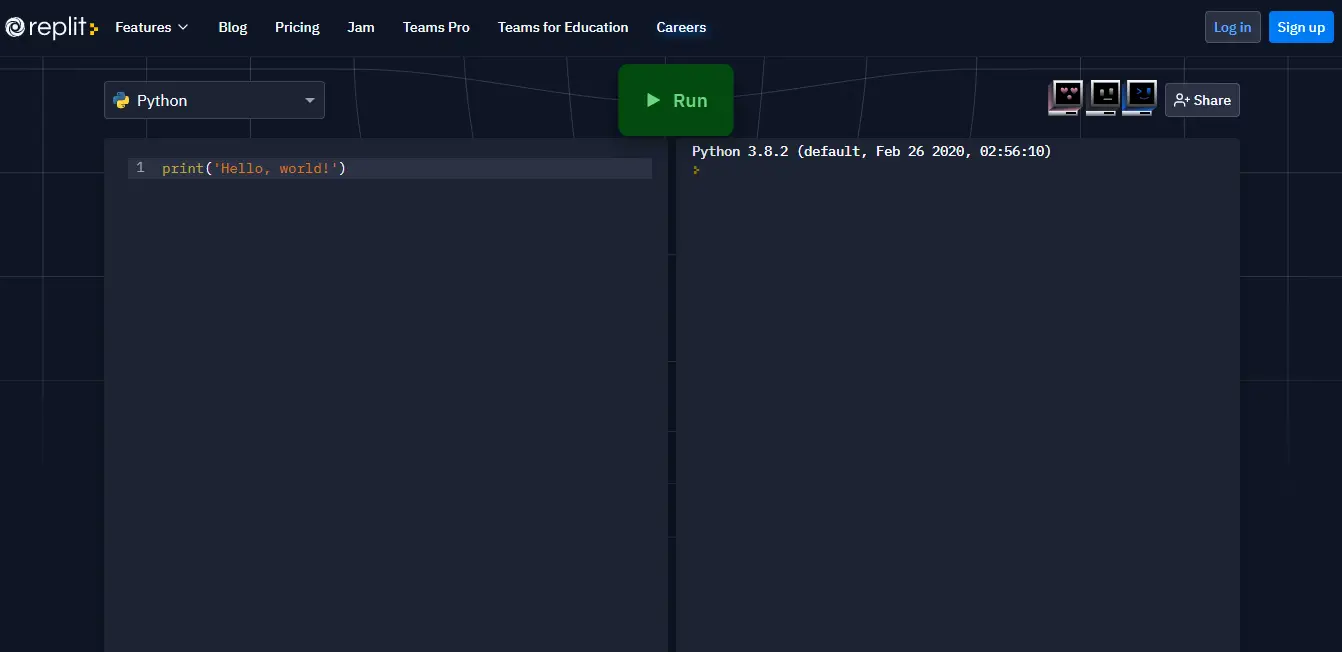
6. JDoodle
JDoodle is an online tool to compile and execute Programs, it supports Java, C/C++, PHP, Perl, Python, Ruby, HTML and many more.
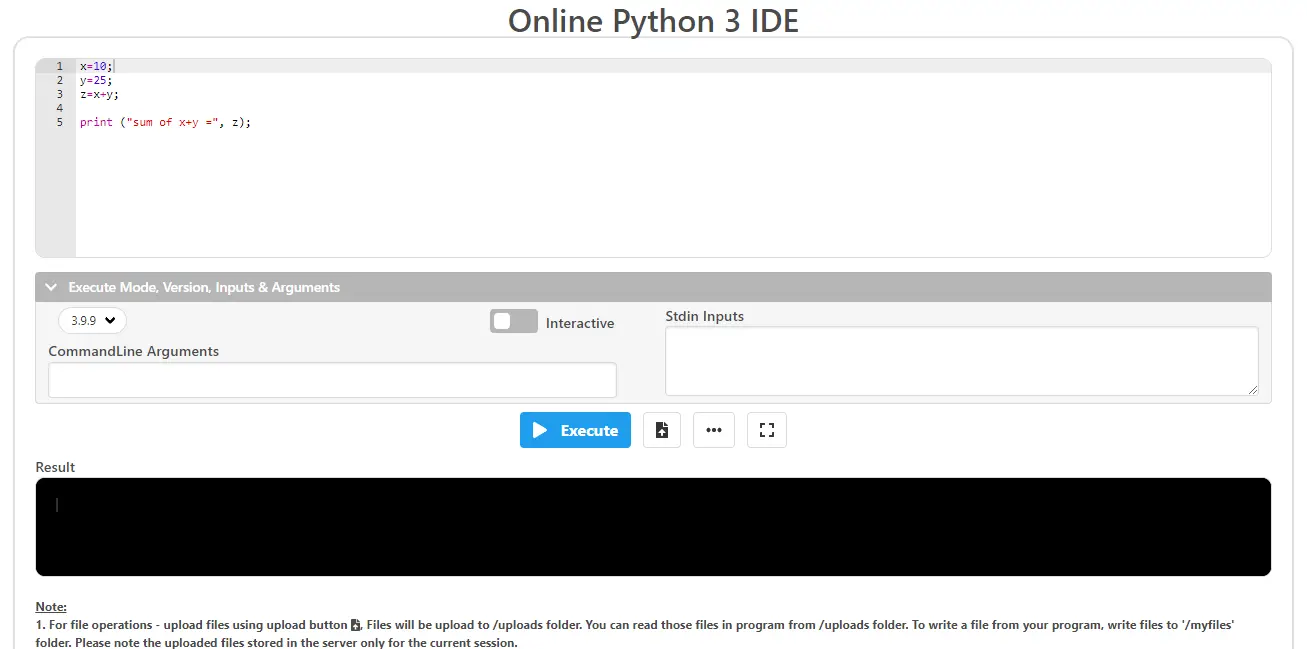
7. Pynative
Use our Online Python editor (ide) to run the Python code online quickly. Online Python Compiler/Interpreter run Python 3 code.
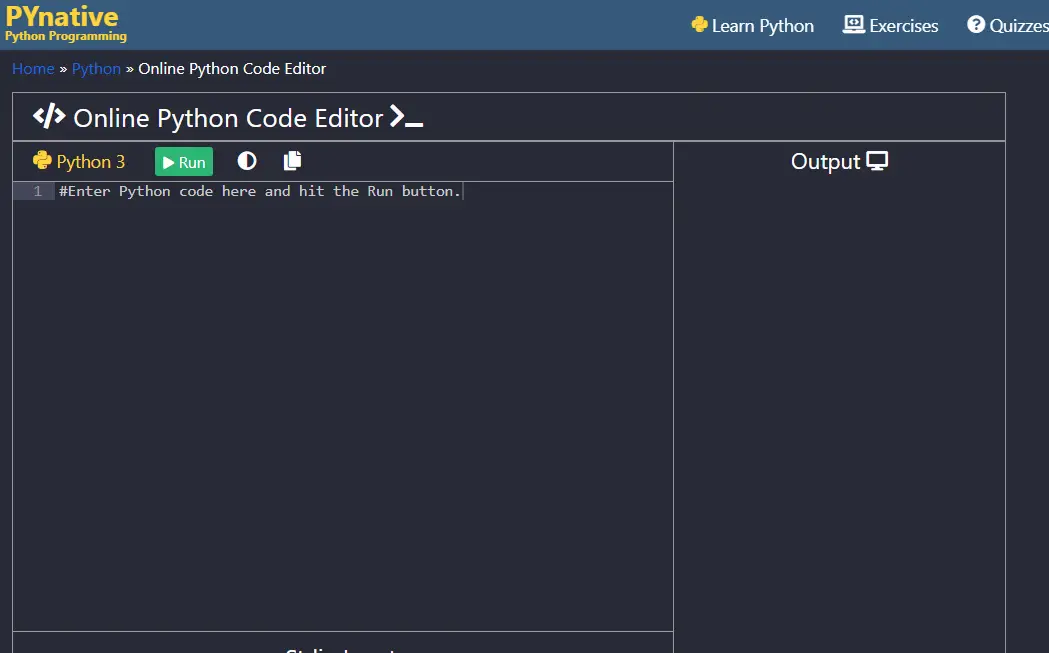
8. Python
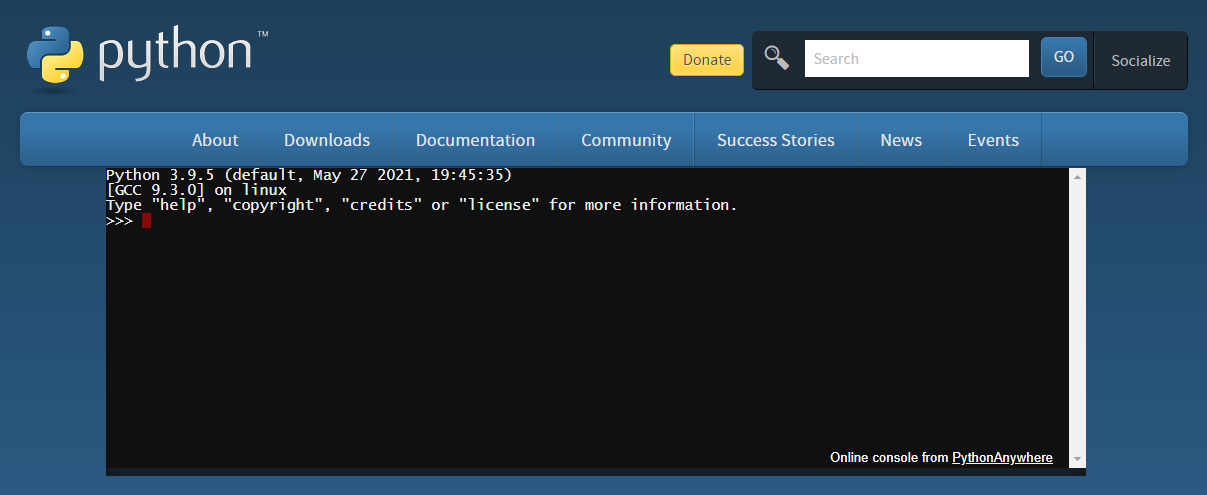
The online interpreter from python official website is one of the quickest virtual terminals for running Python online Compiler.
9. Onecompiler
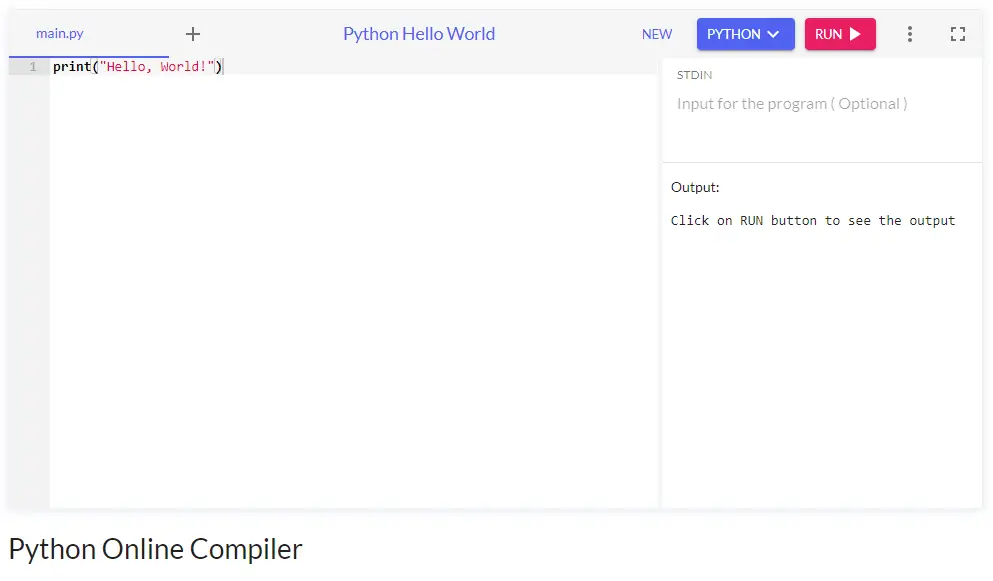
This online compiler allows you to develop, run, and share Python code. It’s one of the most powerful and feature-rich online Python compilers.
Conclusion
That completes our list of explained best Python interpreters on the web and for Windows. You can work with the presented interpreter for python that makes you comfortable. Each one of them has its own uniqueness that is helpful especially when working professionally.
What to Look For in an Online Python Compiler (2026)
Not every online Python tool fits every use case. Before you pick one, weigh these six factors, they’re what actually separates “good for 5-line scripts” from “good enough to build a capstone in.”
1. AI assistance
In 2026, this is a real differentiator. Replit AI, GitHub Copilot in Codespaces, and Colab’s Gemini integration generate code, explain errors, and refactor inline. For learners, AI hints are a faster on-ramp than searching Stack Overflow. For exams or interviews, you’ll want a tool where AI can be turned off.
2. Package support (pip)
Plain “Hello world” runs anywhere. The moment you need pandas, requests, matplotlib, or your own dependencies, half the simple online compilers break. Check whether the tool supports pip install or only ships a fixed standard library.
3. Persistence and accounts
Will your code survive a browser refresh? Some compilers (Programiz, JDoodle) lose your work on close unless you save manually. Others (Replit, PythonAnywhere, Codespaces) keep projects in cloud storage permanently tied to your account.
4. Mobile friendliness
Most Filipino students will code from a phone at some point, on a jeepney, during brownouts, or because the family PC is occupied. A tool that handles touch input, doesn’t autocorrect Python syntax into English words, and reflows on a small screen is gold.
5. Performance and resource limits
Free tiers come with quotas. Replit free has idle-timeout limits. JDoodle caps execution time at a few seconds. Colab disconnects after ~90 minutes of inactivity. Know the ceiling before you spend three hours building inside it.
6. Sharing and collaboration
If your group mate needs to see your code, copy-paste into Messenger is a bad workflow. Tools like Replit (multiplayer cursors), Colab (Google Drive sharing), and Codespaces (GitHub PR review) let teammates run your code in their own browser with one link.
Comparison Table, 12 Online Python Compilers (2026)
| Tool | AI Features | GPU | Persistence | Free Tier Limits | Mobile |
|---|---|---|---|---|---|
| Replit | Replit AI (chat + inline) | No (paid only) | Yes (account) | Public Repls, ~1GB, idle sleep | Excellent (app) |
| Google Colab | Gemini integration | Yes (free T4) | Google Drive | ~90 min idle, GPU “if available” | Okay (browser) |
| Programiz | No | No | No (copy out) | Single file, no pip | Good |
| Trinket | No | No | Yes (account) | Project caps, limited packages | Good |
| PythonAnywhere | No | No | Yes (real FS) | 512MB, network whitelist | Okay |
| OnlineGDB | No | No | Yes (account) | Single file, ads | Okay |
| JDoodle | No | No | Yes (account) | ~10s exec limit, stdlib only | Good |
| Replit Mobile | Replit AI | No | Yes (account) | Same as Replit web | Best mobile |
| PyFiddle / Sandbox | No | No | No | No packages, no save | Good |
| W3Schools Tryit | No | No | No | Tutorial-bound only | Okay |
| Kaggle Notebooks | Limited | Yes (30hr/wk) | Yes (account) | Session disconnects, 12GB RAM | Poor |
| GitHub Codespaces | Copilot | No (CPU) | Yes (cloud) | 120 core-hr/mo, 15GB | Okay (browser) |
Best Compiler for YOUR Use Case
Picking the right tool depends less on which is “best” and more on what you’re actually doing today. Here’s a decision shortcut.
- You’re learning Python from scratch: Start with Programiz for the first week (no signup), then move to Replit once you want to save projects across sessions. Pair it with our Python tutorial for a complete on-ramp.
- You’re building a capstone web app: PythonAnywhere if you want it live with a real URL; Replit if you want easier collaboration; GitHub Codespaces if you already have a GitHub repo.
- You’re doing AI/ML for capstone: Google Colab (free GPU) or Kaggle Notebooks (real datasets included). Browse our Python project library for ideas to try on these.
- You’re stuck on a school PC with locked-down installs: Programiz or OnlineGDB: no signup, no install, works through most school firewalls.
- You’re coding from your phone: Replit Mobile is unmatched. Trinket and Programiz also work okay in mobile browsers for very short scripts.
- You’re a teacher embedding examples in a blog post or LMS: Trinket for the embed widget, JDoodle if you need multiple languages in one post.
- You’re prepping for coding interviews / DSA practice: OnlineGDB (debugger) or Replit (better autocomplete). Disable AI assist during practice.
Online Compiler vs Local Install, When to Switch
Online compilers are perfect for a specific window of your Python journey, usually the first 1-3 months, or for life-long quick-test work. There’s a clear moment when you should make the jump to a local install:
- You’re hitting free-tier limits multiple times a week. Idle timeouts killing your work, package install failures, or running out of GPU hours are all signals.
- Your project has more than ~5 files: most simple online tools handle a single script well and a small project poorly.
- You want to use a specific package the online tool blocks (common in PythonAnywhere free tier, JDoodle, Programiz).
- You’re building a capstone you’ll defend in 6 months: local control means no surprises if a free tier changes terms.
- You want to learn the real developer workflow: terminal, virtualenv, Git, debugging tools. Online compilers hide all of this.
When you’re ready, follow our step-by-step how to install Python on Windows guide. Then pick a proper editor from our comparison of the best Python IDEs for Windows, Linux, and Mac. Most BSIT students land on VS Code or PyCharm Community, both free, both capable of carrying you through graduation and into a junior dev role.
Filipino-specific tip: if you’re on a slow connection or constantly browning out, a local install + offline package cache is far more reliable than any cloud IDE. Keep an online compiler as a backup for “my laptop is at the shop” emergencies.
Frequently Asked Questions
What is the best free online Python compiler in 2026?
Can I run Python with AI help online for free?
Which online Python compiler supports pip install?
Is Google Colab really free and how long does each session last?
Can I use online Python compilers on my phone?
Is Replit free or do I need to pay?
What’s the difference between an online Python compiler and an interpreter?
Which online compiler is best for BSIT capstone projects in the Philippines?
When should I move from an online compiler to a local Python install?
Final Recommendation
If you only remember one thing from this guide: start with Replit for general Python, switch to Google Colab when you need a GPU, and keep Programiz bookmarked for emergencies. Those three tools cover 90% of every Python use case a BSIT student, hobbyist, or junior developer will face in 2026.
The other nine tools on this list each have one or two cases where they’re the better choice, Trinket for teachers, PythonAnywhere for live web apps, GitHub Codespaces for serious projects, OnlineGDB for stepping through algorithm bugs. Match the tool to the job, not the other way around.
And remember: the best online compiler is the one that doesn’t fight you when you’re trying to learn. If a tool feels heavy, switch. If a free tier blocks something you need, switch. None of these have lock-in beyond what you saved in their cloud, and every one of them exports plain .py files.
- Pick one tool from the top 3 (Replit, Colab, or Programiz) and try a 10-line script today
- Outgrowing online? Install locally with our how to install Python on Windows guide
- Compare local IDEs in our best Python IDE comparison
- Need a project to practice on? Browse our best Python projects with source code
- Full beginner roadmap: start with our free Python tutorial
Which online Python compiler do you use most, and what’s the one feature you wish it had? Drop a comment and we’ll update this guide based on what the community actually needs.

Mary Grace G. Patulada
Programmer & Technical Writer at PIES IT Solution
Mary Grace G. Patulada (pen name ‘Nym’) is a programmer and writer at PIES IT Solution with a BSIT background from Carlos Hilado Memorial State College, Binalbagan Campus. Authored 370+ UML diagram tutorials and capstone documentation guides at itsourcecode.com. Specializes in UML (class, use case, activity, sequence, component, deployment), DFD, and ER diagrams for BSIT capstone projects.
Expertise: UML Diagrams · DFD · ER Diagrams · Use Case Diagrams · Activity Diagrams · Capstone Documentation · PHP · View all posts by Mary Grace G. Patulada →