09-Removing Academic Year
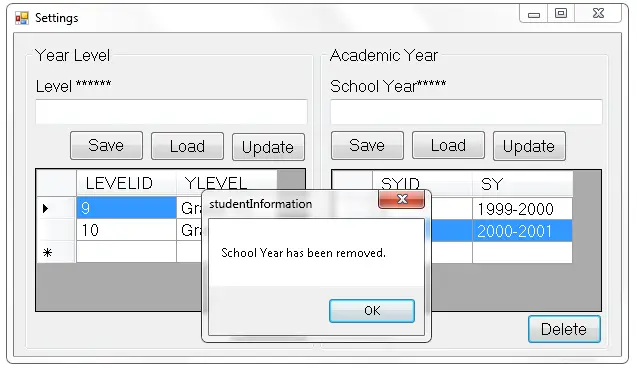
This tutorial is all about Removing Academic Year. Today, I’m going to teach you how to removed the “Academic Year” in Ms Access Database using Visual Basic 2008. Let’ begin: …

Student Information Systems (SIS) are the most commonly chosen capstone topic for Philippine BSIT and BSCS students, every school has one, every student understands the domain, and the modules map cleanly to standard CRUD operations. This hub collects free source code, step-by-step tutorials, and complete UML diagrams for building SIS that handle enrollment, grades, attendance, transcripts, and parent communication.
What you’ll find in the Student Information System hub
Complete source code in PHP + MySQL, Python (Django), Java (NetBeans), VB.NET
Step-by-step tutorials for database design, authentication, grading, attendance, and reporting
UML diagrams: Use Case, Activity, Sequence, Class, ER for full capstone documentation
Parent and teacher portals: role-based access patterns
Transcript generation: printable PDF output
Defense preparation: common panel questions and sample answers
Core modules to build in your SIS capstone
Standard modules panels expect to see in 2026:
Student enrollment: registration form, document upload, status tracking
Course & section management: assign students to sections, teachers to courses
Grading system: per-subject grades, GPA calculation, deans-list flagging
Attendance tracking: per session/per day with absence reporting
Transcript & report card: printable PDF output per student
Parent portal: view grades, attendance, announcements
Announcement system: school-wide, course-specific, or student-specific
Role-based access: admin, registrar, teacher, student, parent
Database schema essentials
Core tables your SIS needs: students, users, courses, sections, enrollments (junction), grades, attendance, announcements. Foreign keys enforce referential integrity; composite indexes on (student_id, course_id, semester) speed up grade reports. For your ER diagram, see our ER Diagrams library.
Related capstone collections
Employee Management System, same CRUD pattern, HR domain
Payroll System Projects, extend SIS to track teacher payroll
UML Diagrams Library, Use Case, Activity, ER diagrams for documentation
Chapter 1-5 Writing Series, full capstone documentation templates
Scroll down to browse the full Student Information System catalog ↓
This tutorial is all about Removing Academic Year. Today, I’m going to teach you how to removed the “Academic Year” in Ms Access Database using Visual Basic 2008. Let’ begin: …
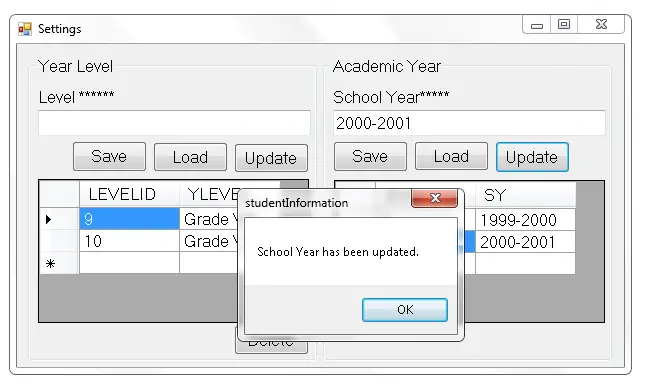
This tutorial is about Retrieve and Update Academic Year. This time, I’m going to retrieve and update all the Academic Year in Ms Access Database and there are some changes to …
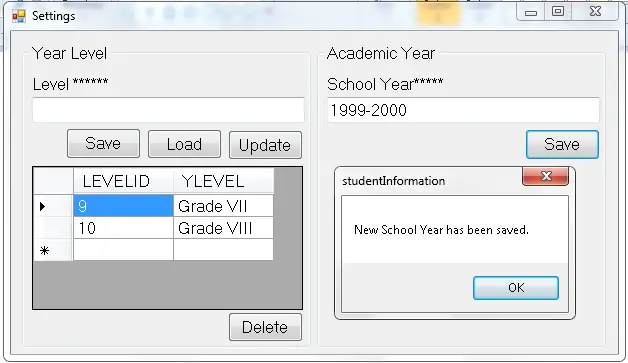
Last time we have finished the “Year Level” module of the student. Now, we will add another module which is “Academic Year” in the settings. This module allows you to …
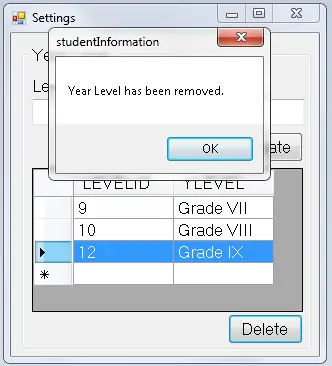
This tutorial is all about Removing Year Level. Today, I’m going to remove whatever wrong records that have been saved in Ms Access Database. Deleting records in a system is …
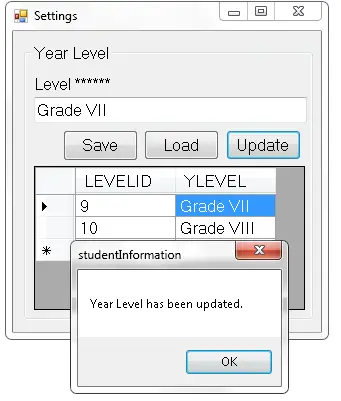
This tutorial is all about Retrieve and Update Year Level. This time, i’m going to retrieve the records that have been saved in Ms Access Database. I have made some changes …
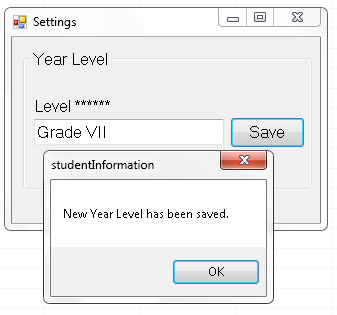
This tutorial is all about Add Year Level. In this tutorial I will teach you how to add and manage setting in the Student Information System. The settings are made up …
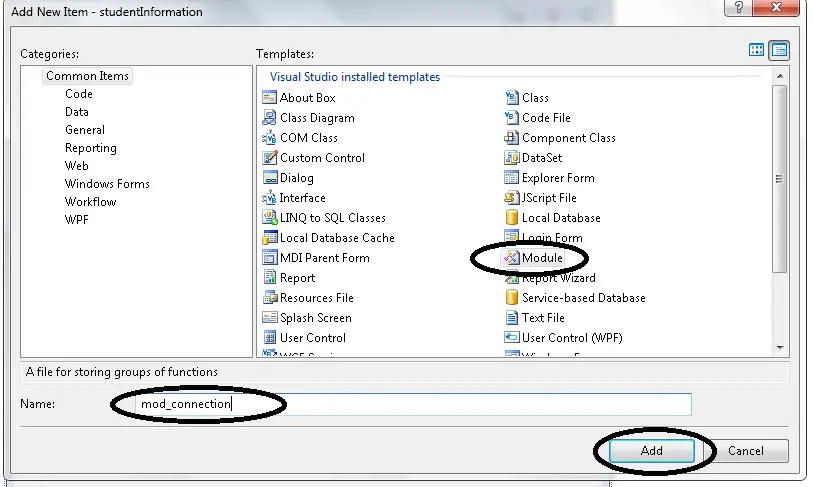
This tutorial is all about Setting Up Connection Between MS Access Database and Visual Basic 2008. Today, i will teach you how to connect Ms Access Database to Visual Basic …
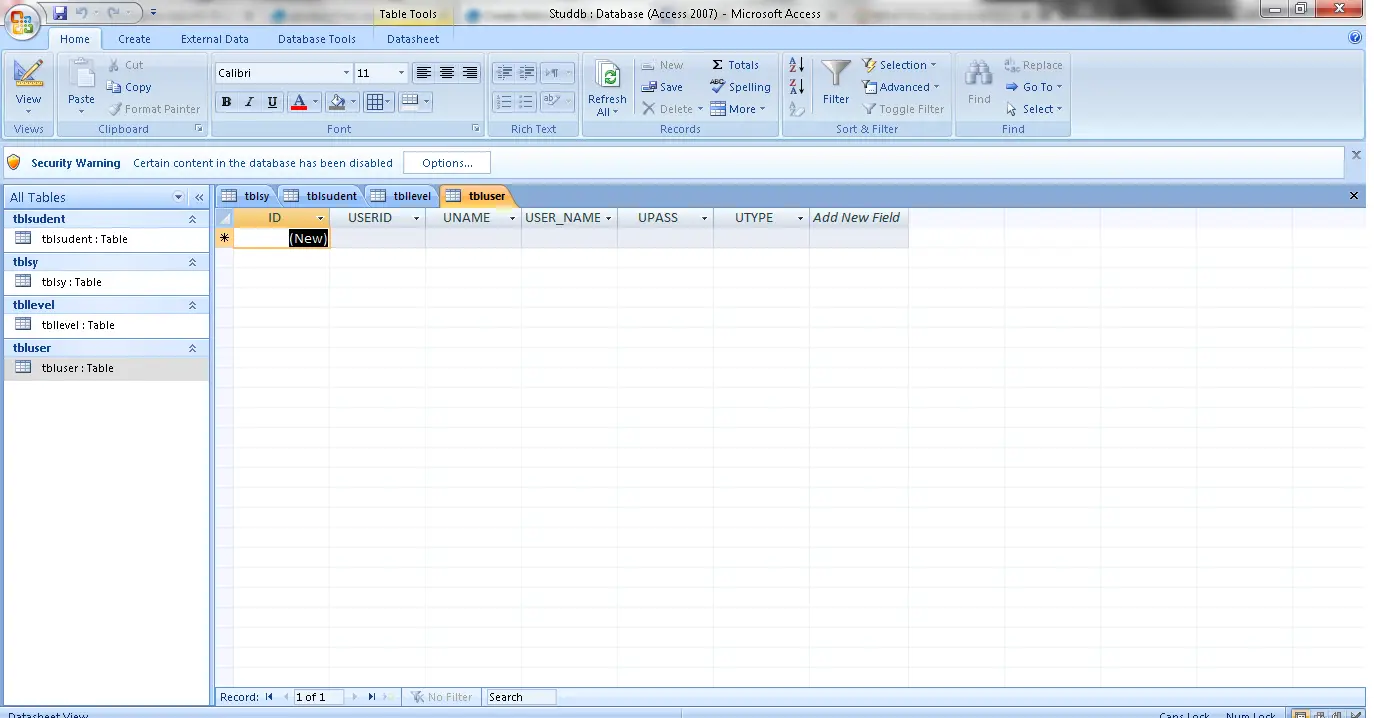
This tutorial is all about Constructing Database. This time, I will create a database in the Microsoft Access. This MS Access is a Database Management System from Microsoft that combines the relational Microsoft Jet …
This is an Introduction in Student Information System. Today, I’m going to create a Student Information System. This is a step by step tutorial in which you can follow the procedure easily. …
students (id, student_no, name, year_level, status), users (for login), courses (course_code, title, units), sections, enrollments (junction: student_id, section_id, semester), grades (enrollment_id, prelim, midterm, finals), attendance (enrollment_id, date, status), announcements. Foreign keys enforce integrity; composite index on (student_id, course_id, semester) speeds up grade reports. See our ER diagram library for visual schemas.grades table keyed to enrollment_id. Compute final grade via a stored function or application-layer code. For GPA: weighted average across all courses by units. For deans-list flagging: check GPA ≥ school threshold AND no grade below the cut-off (typically 80 or 2.5).