
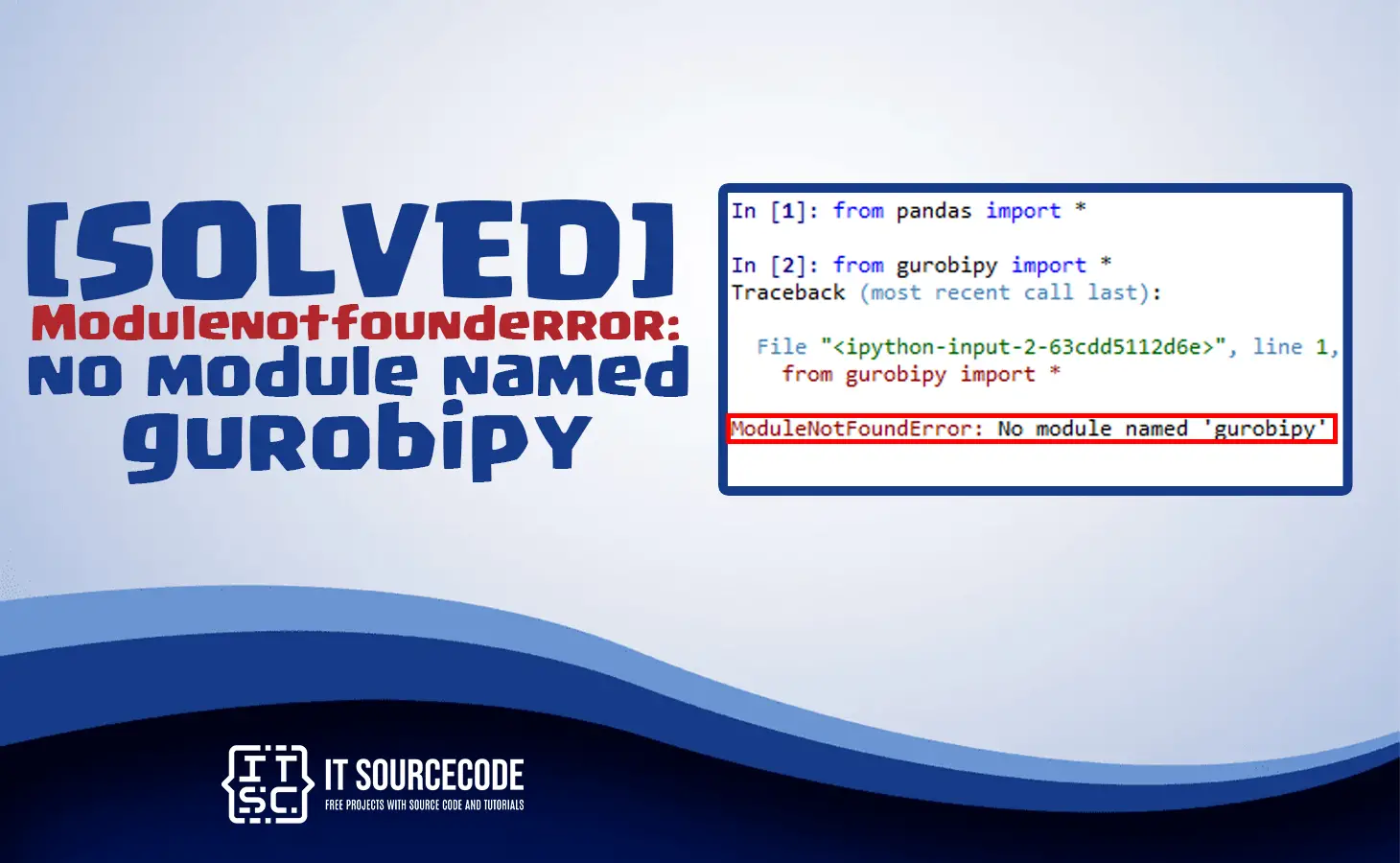
The modulenotfounderror: no module named ‘gurobipy’ error message usually occurs when you are using a Gurobi optimization solver in your Python programs.
We understand that sometimes errors are quite annoying, but this time you don’t have to.
You wanna know why?In this article, we will discuss and provide you with an effective solution to this error: no module named ‘gurobipy’.
Continue to read on to discover more ideas about what are the causes of this error and how to troubleshoot it.
What is modulenotfounderror: no module named ‘gurobipy’ error?
This error message, modulenotfounderror: no module named ‘gurobipy’ in Python, occurs when the Python interpreter is unable to find the “gurobipy” module that you are trying to import.
In addition to that, this error usually happens when you are running a Python program that requires the gurobipy module, but the module is not installed on your system or cannot be found in the Python environment.
The “gurobipy” module is a third-party optimization library for solving linear and integer programming problems. Before you can use it, it requires installation and configuration.
In order to resolve this error, ensure that the “gurobipy” module is installed and properly configured in the Python environment.
What are the causes of modulenotfounderror: no module named ‘gurobipy’ error?
Here are the common reasons why you are encountering the modulenotfounderror: no module named ‘gurobipy’ error.
1. The “gurobipy” module is not installed
If the “gurobipy” module is not installed in the Python environment.
Definitely, Python interpreter is unable to find the required module which results to an error.
2.Incorrect installation of gurobi
If you already installed the “gurobipy” module but didn’t follow the proper installation procedure or it is being corrupted you will encounter this error.
3.Incompatible version
If you are using a different version of Python and the module you want to import is in a different version, an error will arise. The reason is that it is not compatible with the version of the “gurobipy” module you are using.
4. Virtual environment issue
When you install the module or package globally and not in your virtual environment. Certainly, an error occurs.
5. Import incorrectly
If the “gurobipy” module is not imported correctly in the Python environment. It will display an error, you should make sure that you are importing the correct spelling of the module.
How to fix modulenotfounderror: no module named ‘gurobipy’ error?
Time needed: 2 minutes
Here are the solutions to fix modulenotfounderror: no module named ‘gurobipy’ error:
- Install the “gurobipy” module
You can install “gurobipy” using the pip package manager by executing the following command:
pip install gurobipy
Python 3
pip3 install gurobipy
Anaconda
conda install gurobipy - Check if the module is installed
You can simply check if the module is installed correctly using the command below:
pip show gurobipy
You can also use these commands:pip list
pip freeze
pip list -vIf you are using Anaconda:
conda list - Check Python version
When the error still exists after the installation, you can check the version of Python you are using by this command:
python — version
You can also check the modules version using the following command:
pip show gurobipy - Check the spelling
You have to check the spelling of the module you are using before importing it to avoid errors.
- Upgrade module version
If the module is in an outdated version and is not compatible with the Python version you are using, you can upgrade it using the following command:
pip install gurobipy –upgrade
orpip3 install gurobipy –upgrade
- Reinstall
When the error does not resolve you can try to reinstall the module using the following command:
To uninstall:
pip uninstall gurobipy
To reinstall:
pip install gurobipy
Diagnostic checklist for “No module named ‘gurobipy'”
- Verify pip install target. Run
pip show gurobipy— if not installed, runpip install gurobipy. - Check the active Python interpreter.
which python(mac/Linux) orwhere python(Windows). Both pip and python must point to the same environment. - Check virtual environment activation. If you use venv/conda, activate before installing:
source .venv/bin/activate. - Rule out uppercase/lowercase. Python imports are case-sensitive:
import PyPDF2notimport pypdf2. - Rule out the pip-vs-package-name mismatch. Some packages install under a different name than you import (e.g.
pip install beautifulsoup4→import bs4).
Installing gurobipy
# Standard pip install
pip install gurobipy

# In a virtual environment (recommended)
python -m venv .venv
source .venv/bin/activate  # or .venv\Scripts\activate on Windows
pip install gurobipy

# With uv (faster alternative)
uv pip install gurobipy
Common causes for “No module named ‘gurobipy'”
- Python interpreter mismatch. Multiple Python installations can confuse pip. Verify with
which pythonandwhich pip. - Virtual environment not activated. If the venv isn’t activated, pip installs to your system Python instead.
- Notebook kernel mismatch. Jupyter uses a kernel that may differ from your terminal Python. Use
%pip install gurobipyinside the notebook. - Import name differs from install name. pip install beautifulsoup4 → import bs4. Check the package’s PyPI page.
- Windows PATH issues. Ensure Python is on PATH; use
python -m pip installto invoke pip via the correct Python.
Working code example
# Verify install worked
import gurobipy
print(getattr(gurobipy, '__version__', 'no version attribute'))
Best practices
- Always use a virtual environment. Avoids most module-not-found errors.
- Use pip freeze to lock versions.
pip freeze > requirements.txtmakes your setup reproducible. - Consider uv or Poetry. Modern package managers with better dep resolution and reproducibility.
Official documentation
Frequently Asked Questions
What is Python ModuleNotFoundError and what causes it?
ModuleNotFoundError (a subclass of ImportError) is raised when Python cannot find the module you tried to import. Common causes: the package isn’t installed (pip install missing), wrong virtual environment activated, typo in module name, or Python can’t find your local module on the import path. The error message names exactly which module is missing.
How do I fix ‘ModuleNotFoundError: No module named X’?
Run pip install X first. If that succeeds but you still get the error, check which Python you’re using (which python OR python –version) vs which pip (which pip OR pip –version), they must match. Common gotcha: pip points to system Python 3.9 but you’re running python3.11 in a venv. Inside the venv, use python -m pip install X to be sure pip matches the active Python.
Why does my code work in one environment but not another?
Different Python versions or different installed packages. To diagnose: pip freeze > requirements.txt on the working environment, then pip install -r requirements.txt on the broken one. Use virtualenv (python -m venv venv) or conda for every project to avoid system-wide package collisions.
Is ModuleNotFoundError the same as ImportError?
ModuleNotFoundError is a subclass of ImportError added in Python 3.6. It specifically means ‘no such module exists.’ Plain ImportError covers a wider set: module exists but a name inside it can’t be imported (e.g. ‘cannot import name X from Y’). except ImportError catches both; except ModuleNotFoundError catches only the missing-module case.
Where can I find more ModuleNotFoundError fixes?
Browse the ModuleNotFoundError reference hub for 198+ specific module fixes (TensorFlow, Flask, Django, pandas, numpy, etc.). For related issues see ImportError. For broader Python setup see Python Tutorial hub.
Conclusion
This error message modulenotfounderror: no module named ‘gurobipy’ already had a solution provided above in this article.
By performing the solutions above, it will help you to resolve the error right away and run your program in Python without any errors.
We also have solutions if you encounter an error like modulenotfounderror: no module named k_diffusion.
You can also visit our website for additional information. Thank you very much for reading until the end of this article.

Caren Bautista
Technical Writer at PIES IT Solution
Responsible for crafting clear, well-structured, and beginner-friendly content across the platform. Handles the writing, proofreading, and editorial review of tutorials, guides, and documentation to ensure every article is accurate, readable, and easy to follow.
Expertise: Technical Writing · Content Creation · Documentation · Editorial Writing · JavaScript · TypeScript · Python · Python Errors · HTTP Errors · MS Excel
· View all posts by Caren Bautista →